Understanding ai wall art generator
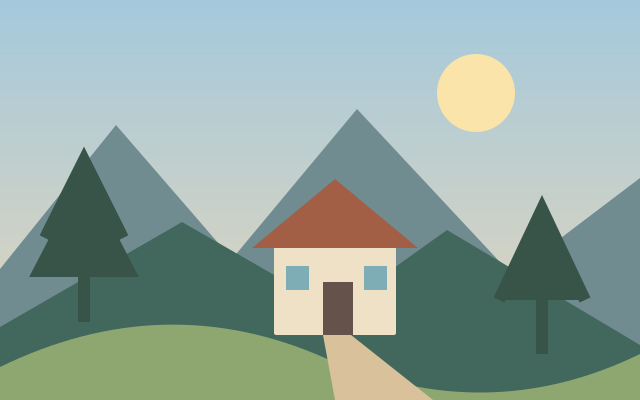
Wall art generation explores imagery intended for display at larger physical sizes.
Check the final pixel dimensions against the intended print size and viewing distance.
Prepare for this workflow
These steps explain how to prepare and evaluate this task. This page does not yet process files.
- Prepare a clear source image or describe the required subject and scene.
- Identify what may change and what must remain consistent.
- Compare the result with the reference and review text, anatomy and small details.
Decisions and limitations
- Reference image or text brief
- Region to change
- Output review criteria
New AI tools require a real model integration before use. Existing studio integrations require sign in and a configured provider. Reference images may be sent to an external processing service; review the privacy policy before submitting sensitive material.
Questions about this task
Can I use ai wall art generator here yet?
This tool is in development. The preparation guide and representative examples are available, but processing and downloads are not active. The page will be reviewed for indexing after the actual workflow is implemented and tested.
What should I check for ai wall art generator?
Check the final pixel dimensions against the intended print size and viewing distance.
Which settings and formats are confirmed?
The decision list describes the task rather than available controls. Exact accepted formats, limits and export options will be documented when this tool has a tested implementation.