Photolisa · Image tools directory
Photo Effects and Filters
Compare tonal, drawing, texture and distortion treatments through labeled representative studies. Each page explains its visual intent and what to inspect before using an effect.
146 catalog entries · 143 destinations
Available tools in this category
Explore the effects
Existing tools and tools in development are labeled separatelyGallery images are representative illustrations. They are not outputs of unfinished Photolisa processors.
146 tools shown
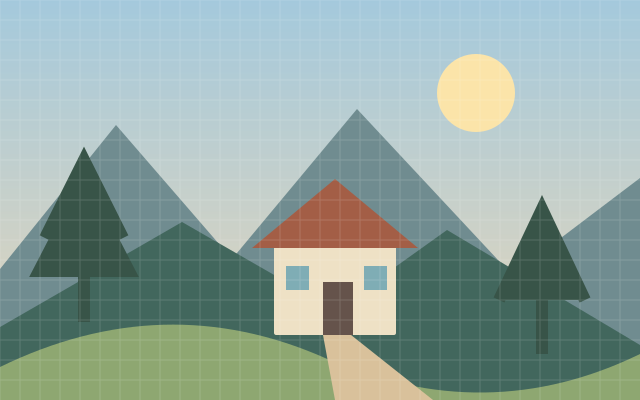
8bit Converter
An 8 bit treatment reduces tonal or color variety for a retro digital appearance.
Available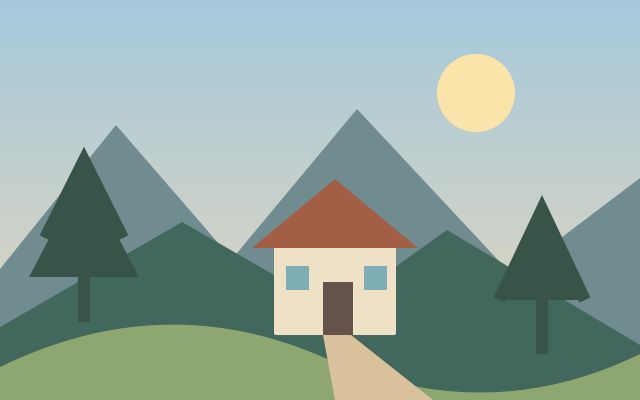
Add Noise
Added noise introduces random tonal or colored variation across a picture.
Available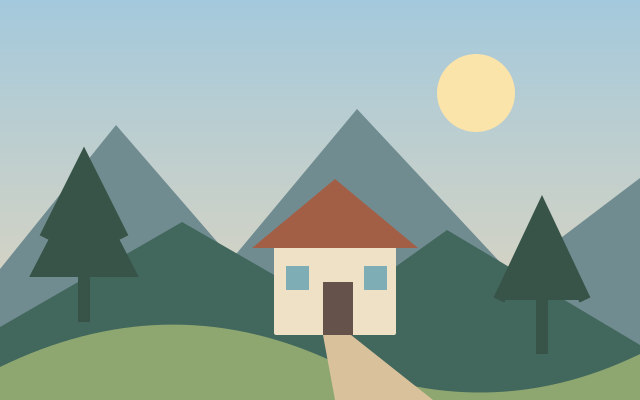
Bokeh Effect
Bokeh styling introduces soft out of focus light shapes.
Available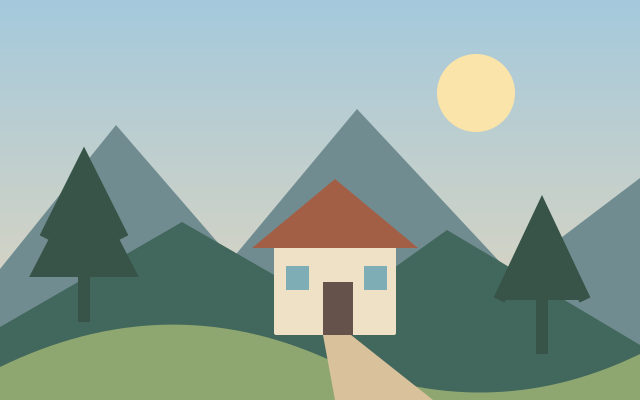
Bulge Pinch
Bulge and pinch distortion pushes pixels outward or inward around a center.
Available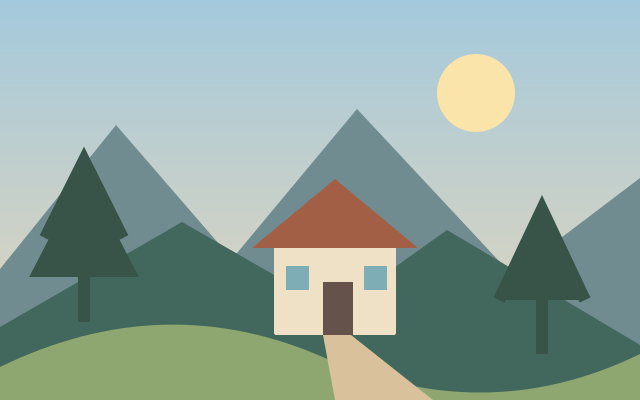
Cartoon Effect
Cartoon styling simplifies color regions and emphasizes drawn looking edges.
Available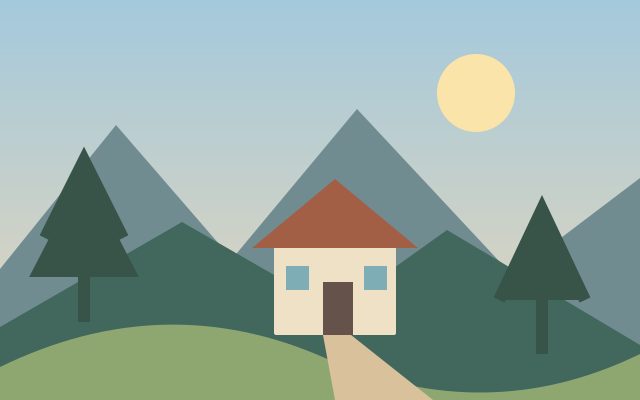
Color Blindness Simulator
Color vision simulation previews how color distinctions may change under different vision conditions.
Available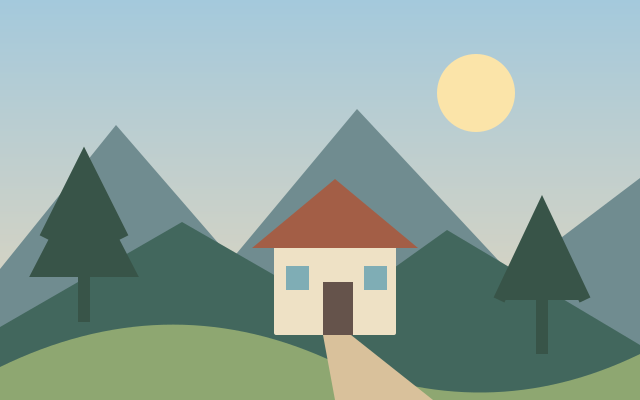
Comic Effect
Comic styling combines simplified tones with outlined detail.
Available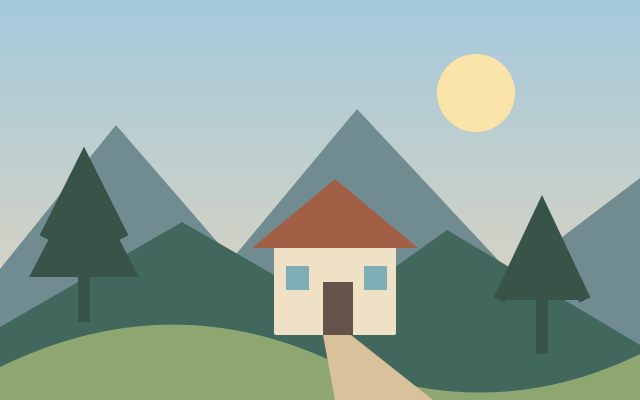
Dithering
Dithering approximates missing colors with patterned distributions of available colors.
Available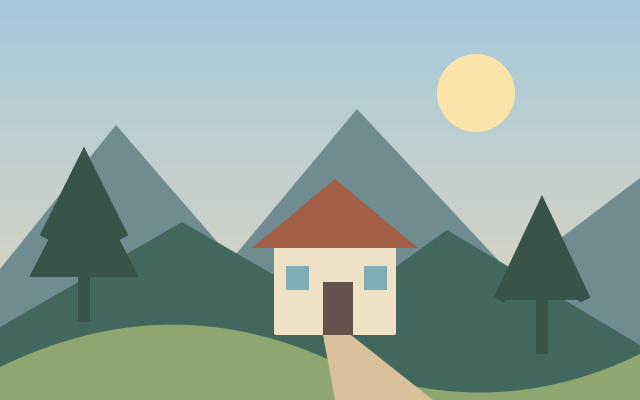
Dreamy Effect
A dreamy treatment uses softened contrast, bright diffusion and subdued detail.
Available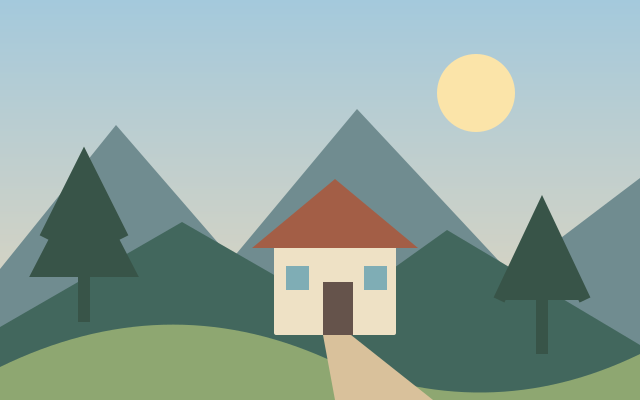
Edge Detection
Edge detection isolates rapid changes in brightness or color.
Available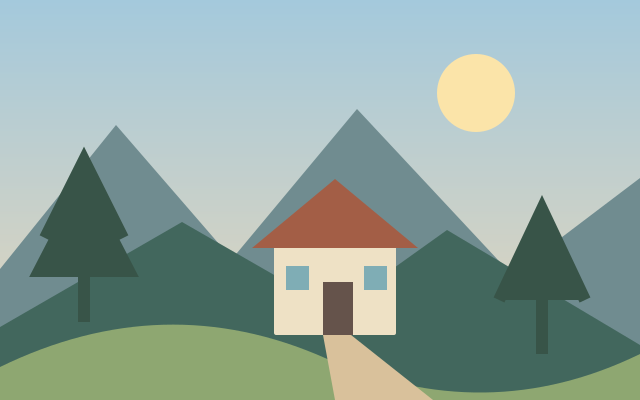
Emboss Effect
Embossing turns brightness transitions into the appearance of raised or recessed relief.
Available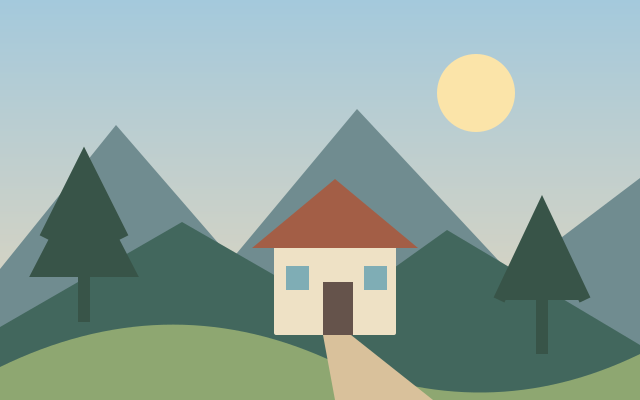
Feather Edges
Feathering gradually fades an image or selection at its boundary.
Available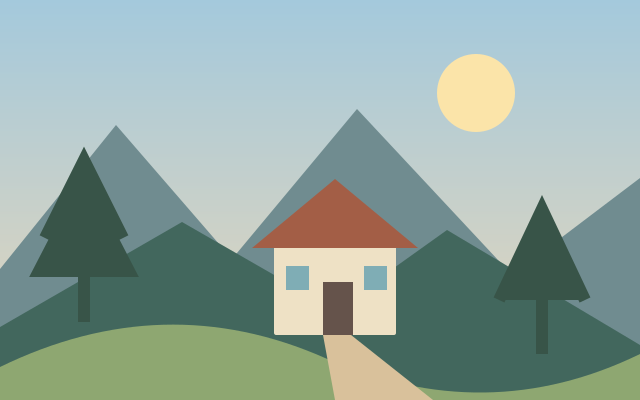
Film Grain
Film grain adds a textured variation associated with photographic emulsions.
Available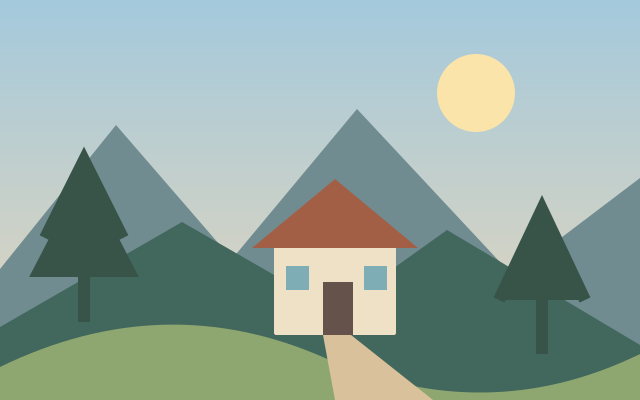
Fish Eye
Fish eye distortion bends lines around the image center.
Available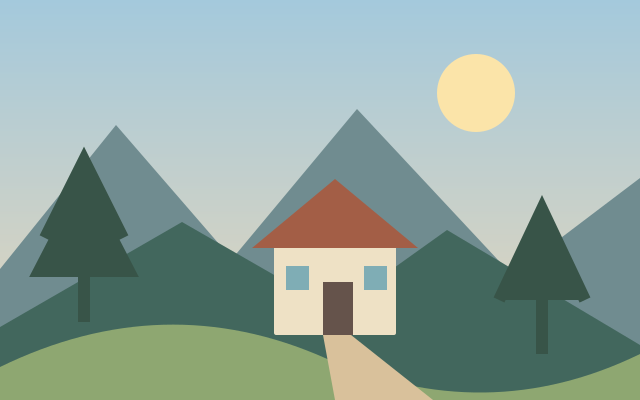
Glitch Effect
Glitch styling disrupts image regions through offsets, channel shifts or broken bands.
Available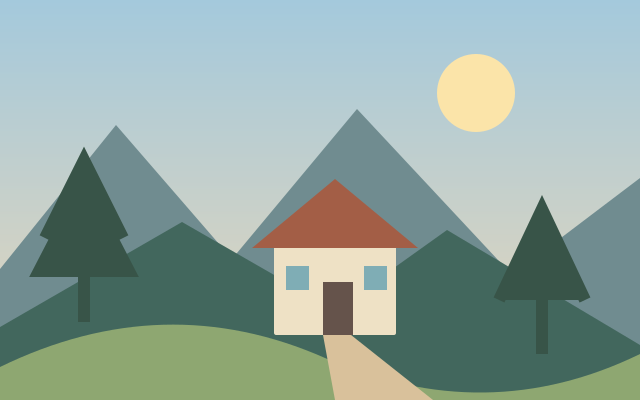
Glow Effect
Glow spreads brightness from lighter parts of an image into nearby pixels.
Available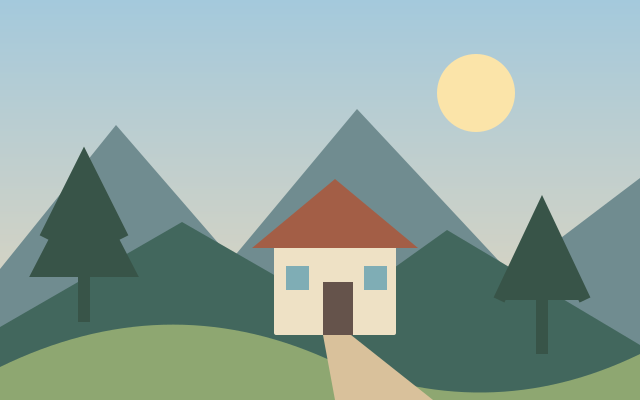
Halftone Maker
Halftoning represents continuous tone with a pattern of dots.
Available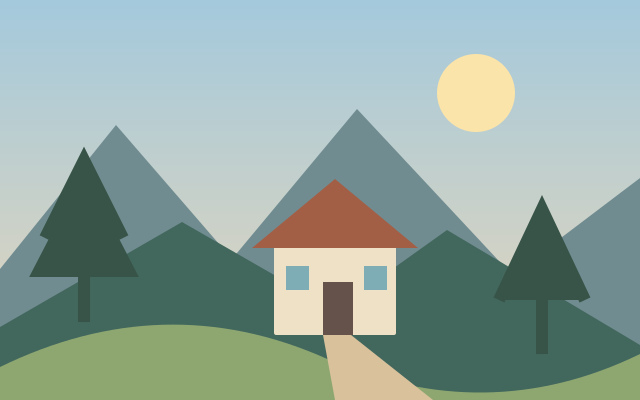
Lens Blur
Lens blur approximates the softened appearance of out of focus detail.
Available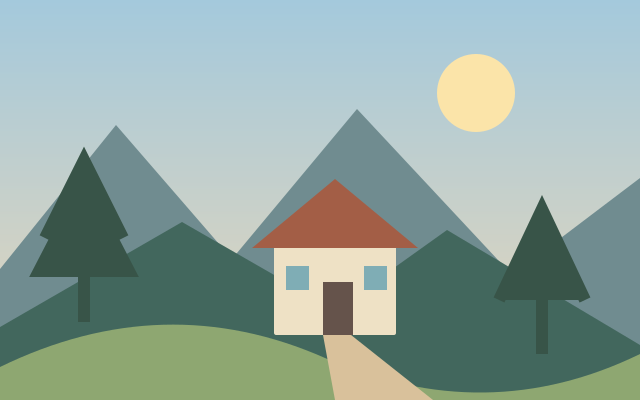
Liquify Image
Liquify distortion locally pushes, expands or compresses image shapes.
Available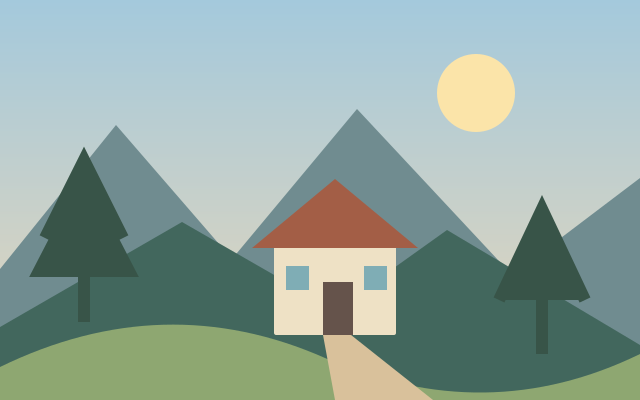
Low Poly Generator
Low polygon styling rebuilds a picture as flat triangular facets.
Available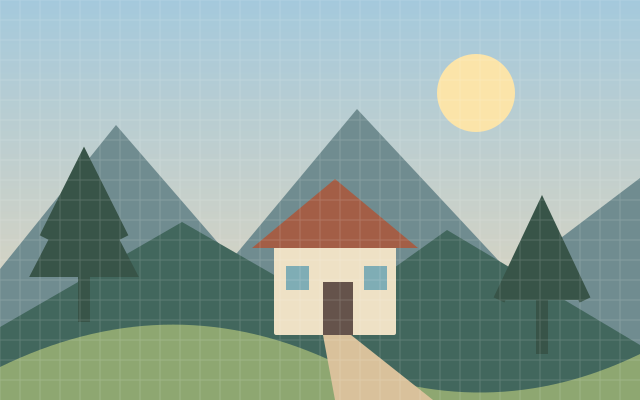
Mosaic Effect
Mosaic styling groups nearby pixels into larger color tiles.
Available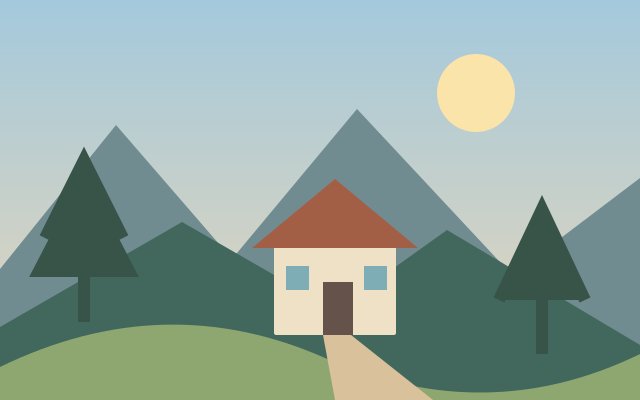
Oil Painting
Oil painting styling simplifies detail into brushlike color regions.
Available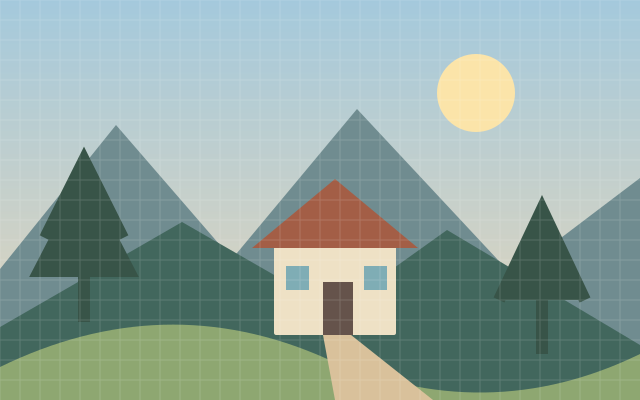
Pixelate Image
Pixelation replaces fine detail with larger visible blocks.
Existing tool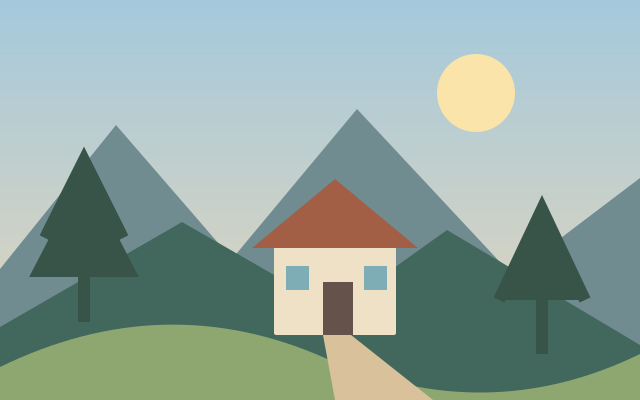
Pop Art Effect
Pop art styling uses bold color relationships and graphic simplification.
Available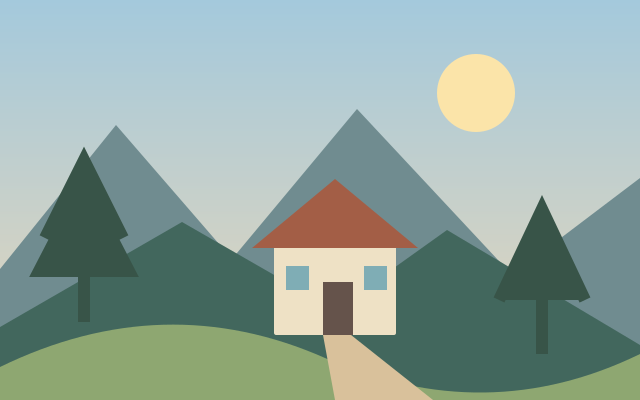
Posterize Image
Posterization limits the number of tonal steps in an image.
Available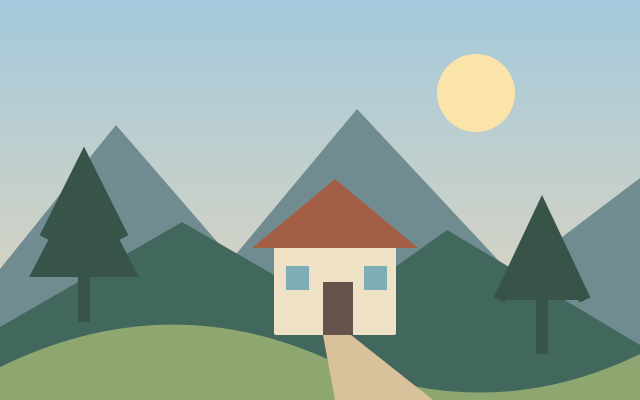
Quantize Image
Color quantization maps image colors to a smaller palette.
Available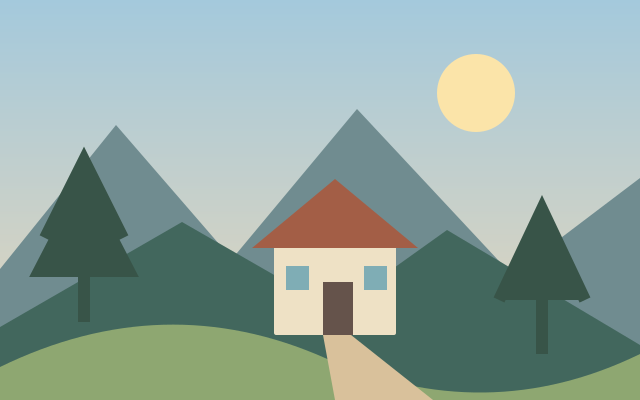
Selective Colorization
Selective colorization adds color to chosen parts of a monochrome image.
Available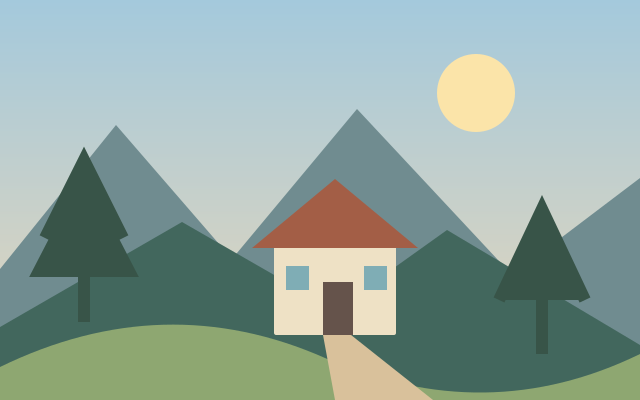
Sepia Effect
Sepia toning shifts a photograph toward warm brown values associated with aged prints.
Available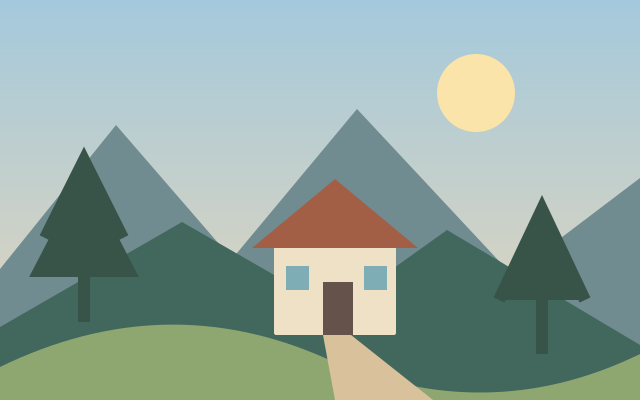
Shadow Generator
A shadow treatment adds a cast or drop shadow around a visible object or image.
Available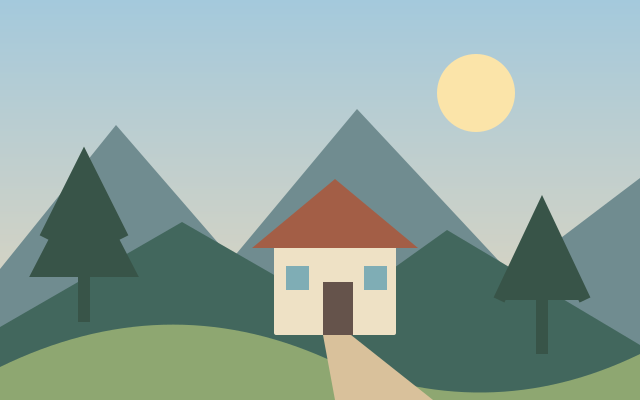
Silhouette Maker
Silhouette conversion reduces a subject to a solid or nearly solid shape.
Available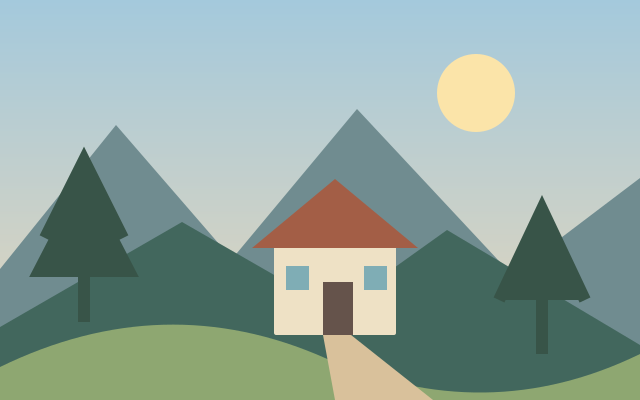
Solarize Effect
Solarization reverses parts of the tonal range for unusual high contrast transitions.
Available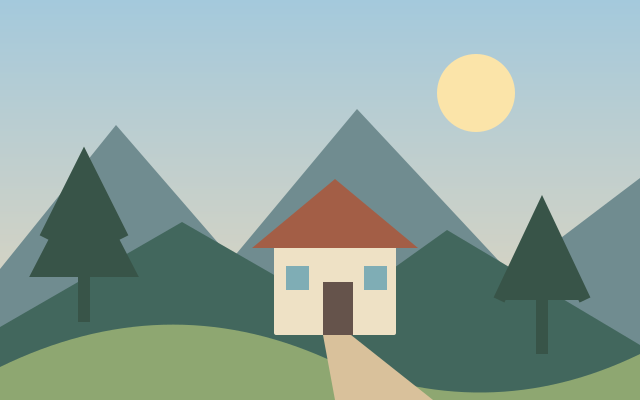
Stencil Converter
Stencil conversion reduces an image to shapes suitable for a cut or painted template.
Available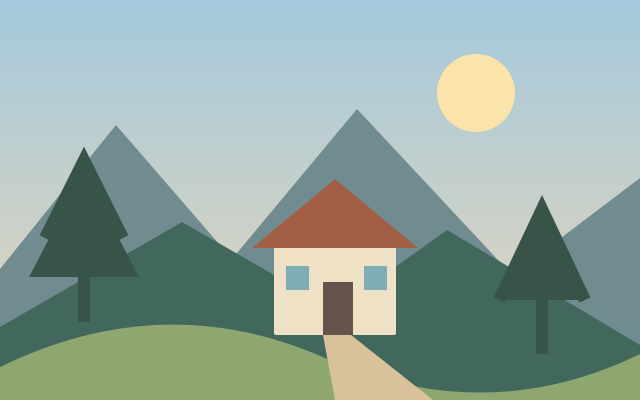
Swirl
Swirl distortion rotates pixels progressively around a center.
Available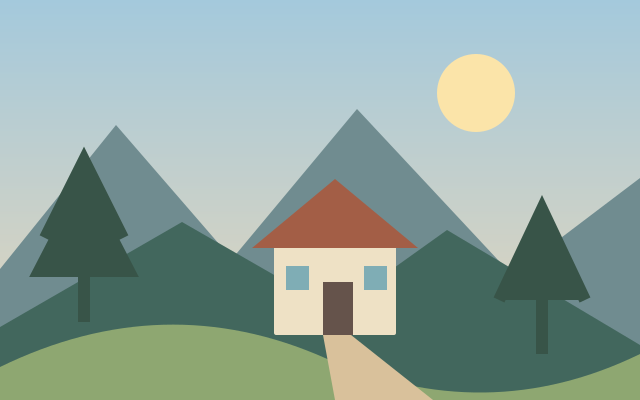
Tile Effect
Tiling repeats an image or motif in a grid.
Available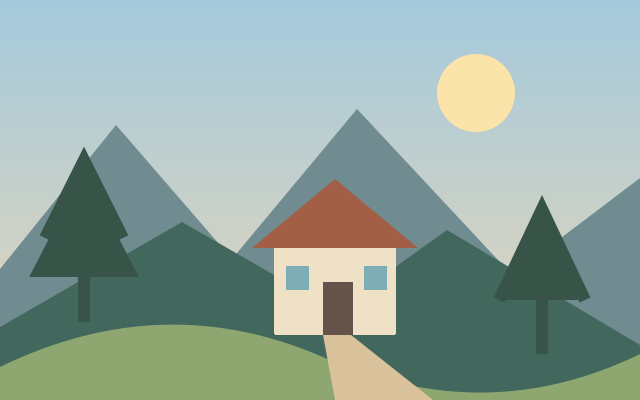
Tilt Shift
Tilt shift styling uses selective blur to suggest a shallow plane of focus.
Available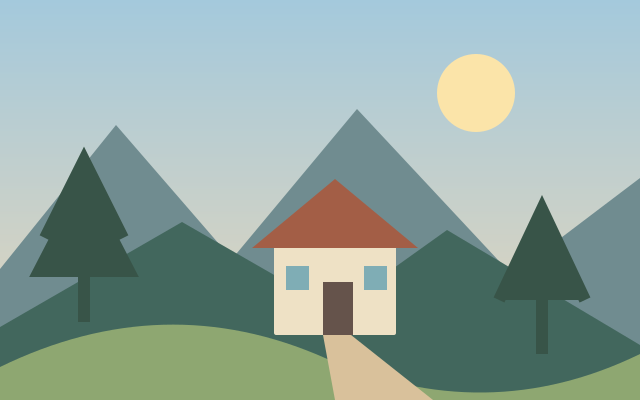
Vignette Effect
Vignetting darkens or lightens the image toward its outer edges.
Available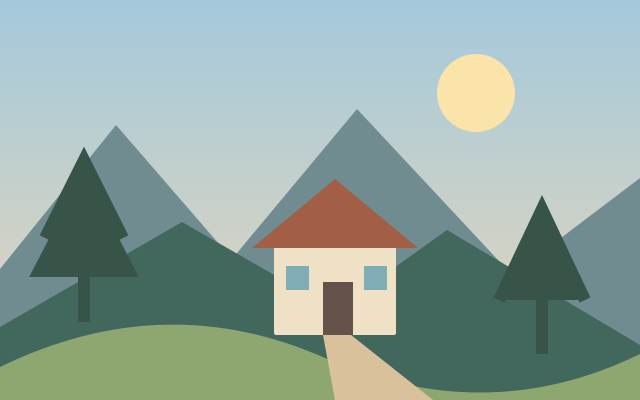
Vintage Effect
Vintage styling combines changes in tone, contrast and color to suggest an older print.
Available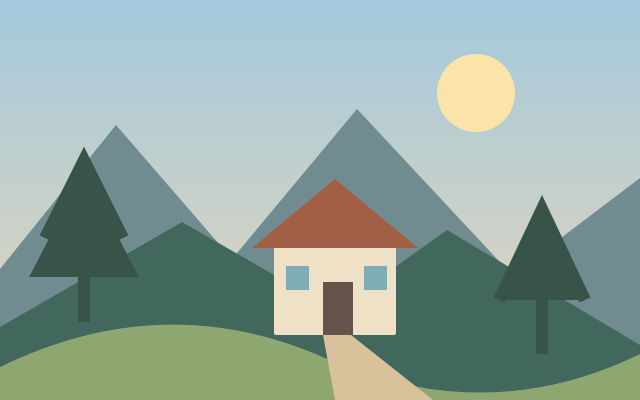
Warp Image
Warping bends an image using a spatial deformation.
Available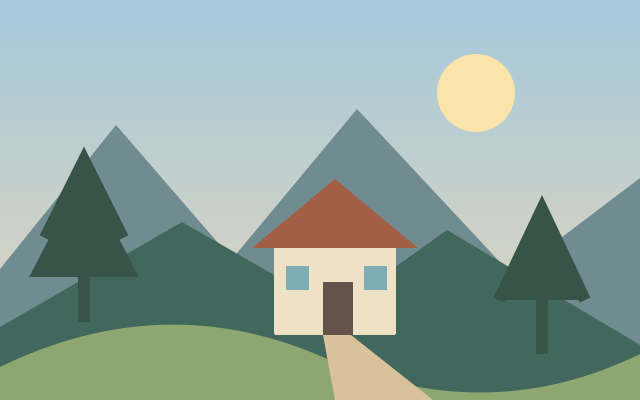
Zoom Blur
Zoom blur spreads detail radially from a chosen center.
Available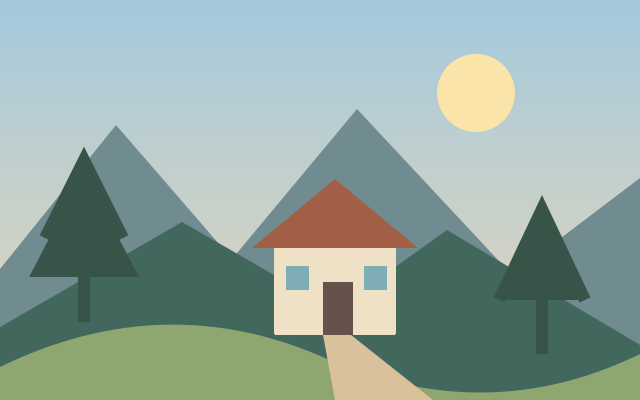
Photo Overlay Effects
Photo overlays combine a texture or visual layer with a base image.
Available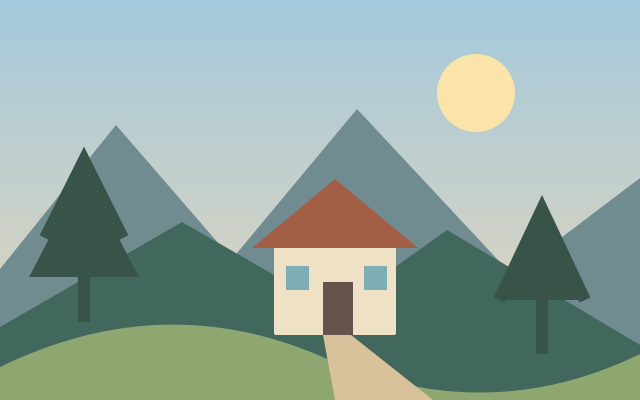
Image Edge Glow
Edge glow adds luminous emphasis along detected image boundaries.
Available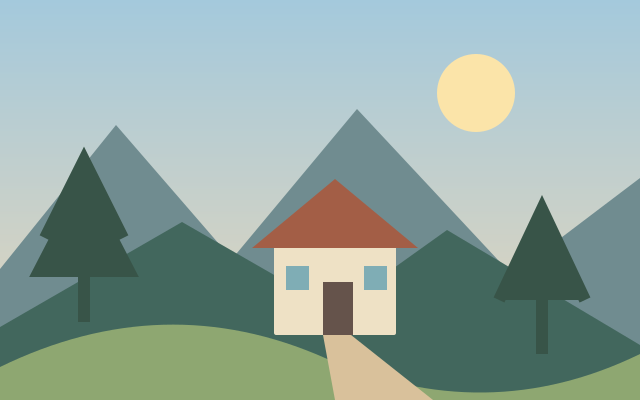
Image Color Block Effect
Color blocking replaces fine variation with broad simplified color regions.
Available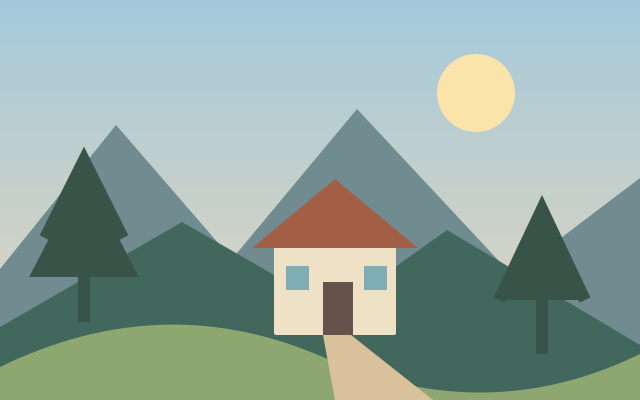
Image Dispersion Effect
Dispersion styling breaks part of a subject into fragments.
Available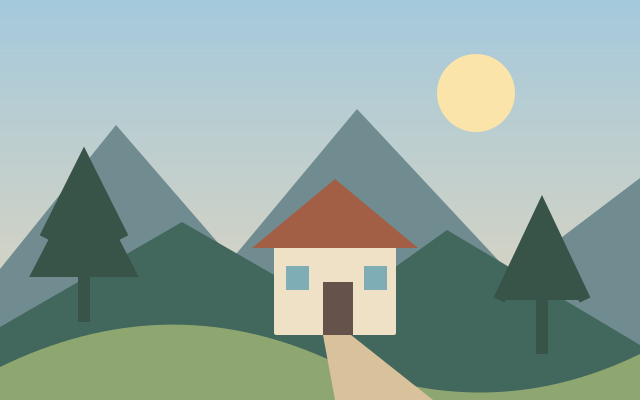
Droste Effect
The Droste effect repeats a view of the image inside itself.
Available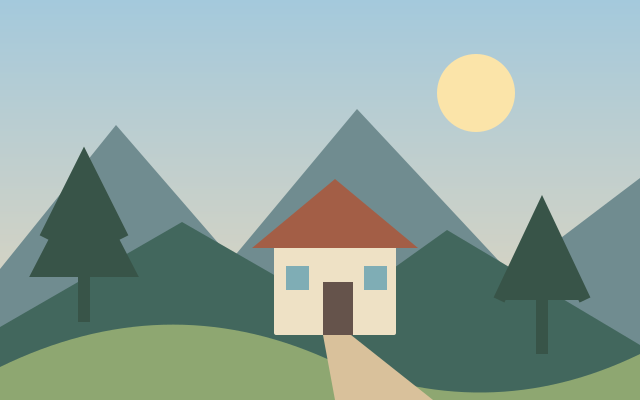
Orton Effect
Orton styling blends soft luminous detail with a sharper image structure.
Available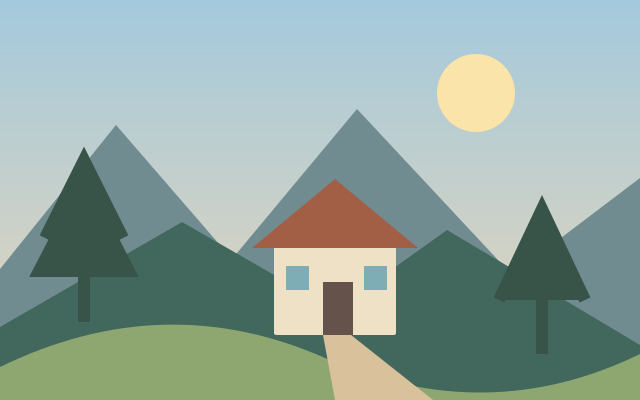
Toy Camera Photo Effect
Toy camera styling combines strong color shifts, contrast and edge falloff.
Available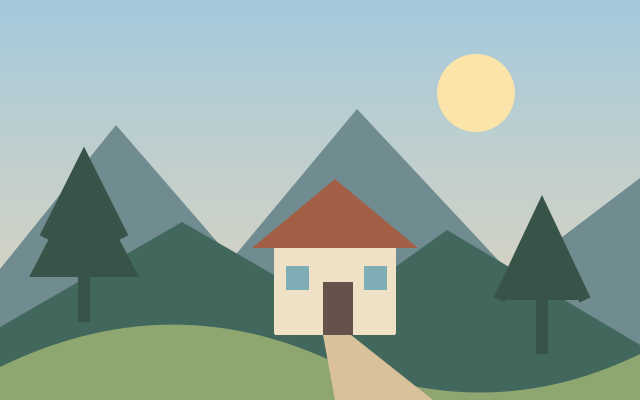
Thermal Camera Effect
Thermal styling maps brightness or color to a heat camera inspired palette.
Available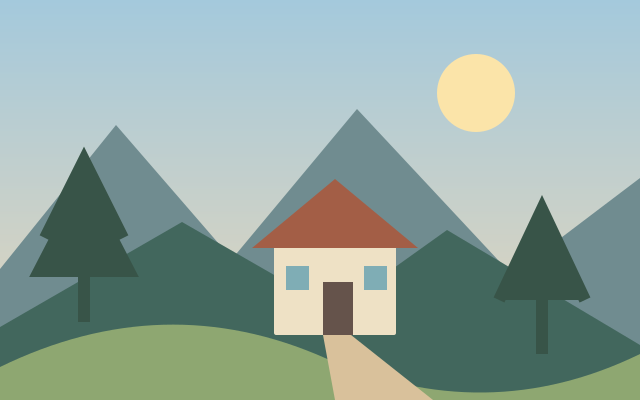
Charcoal Drawing Effect
Charcoal styling converts tonal shapes into dark textured drawing marks.
Available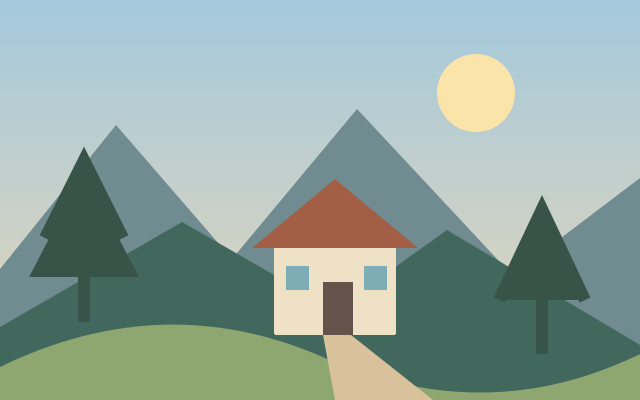
Pencil Sketch Effect
Pencil sketch styling emphasizes outlines and light tonal shading.
Available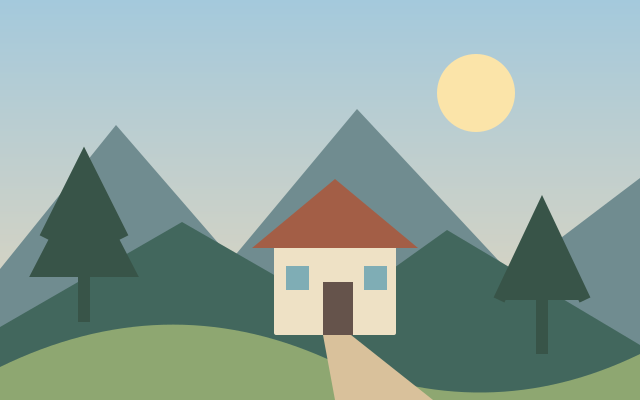
Colored Pencil Effect
Colored pencil styling combines drawn contours with textured color strokes.
Available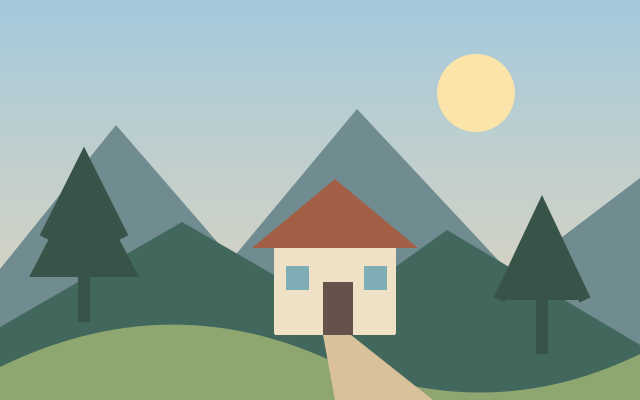
Chalk Drawing Effect
Chalk drawing styling creates soft dusty marks against a contrasting surface.
Available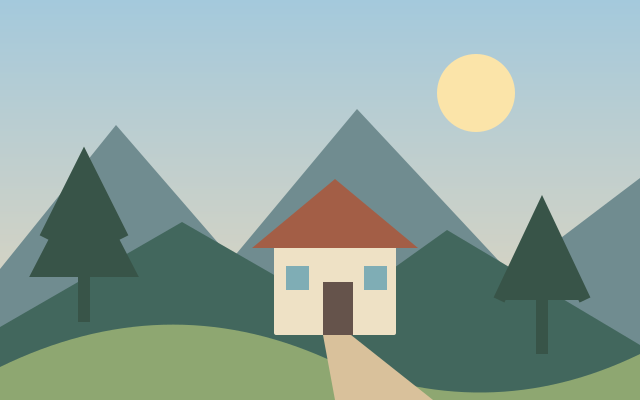
Engraving Effect
Engraving styling represents tone through closely spaced directional lines.
Available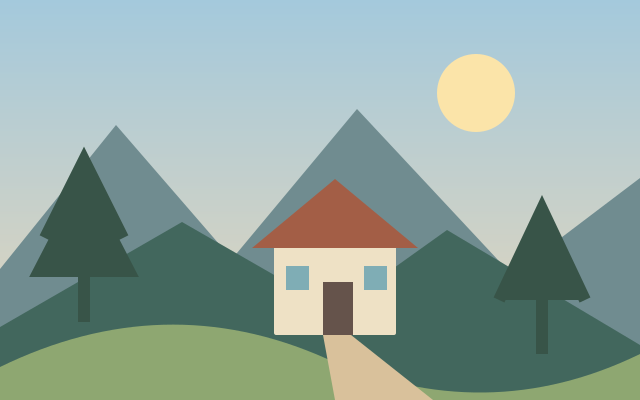
CRT Screen Effect
CRT styling suggests an older display using scan lines and screen artifacts.
Available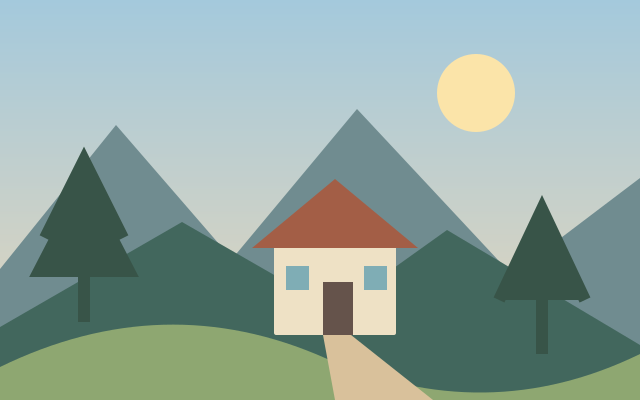
Newsprint Effect
Newsprint styling mimics coarse printed tone through dots and restricted contrast.
Available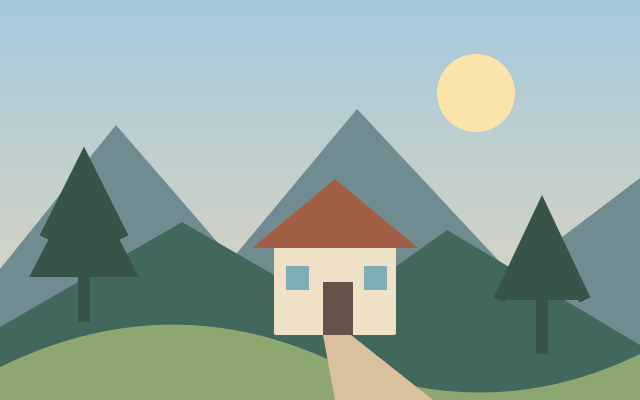
Water Ripple Effect
Water ripple distortion bends a reflected looking image with repeated waves.
Available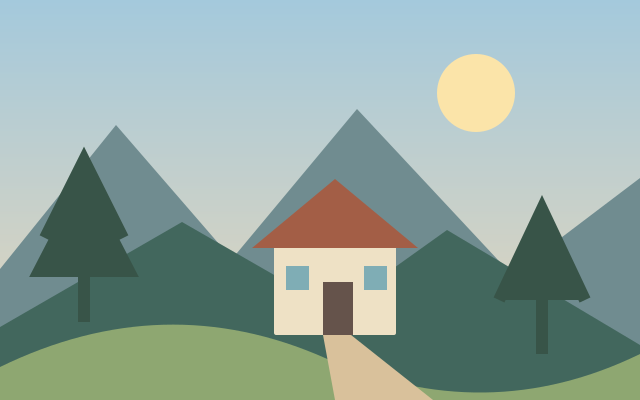
Radial Wave Effect
Radial waves distort image detail in rings around a center.
Available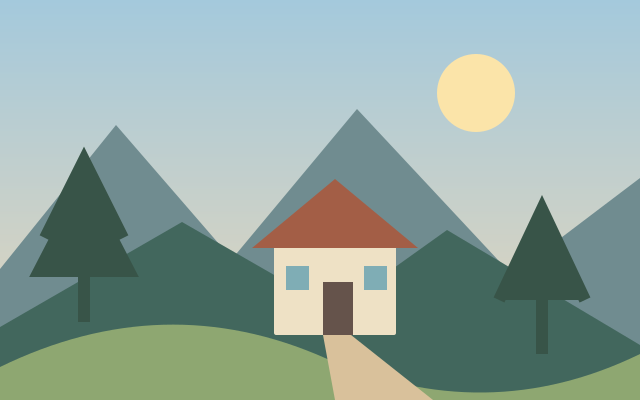
Reeded Glass Effect
Reeded glass styling offsets narrow strips to suggest ribbed translucent glass.
Available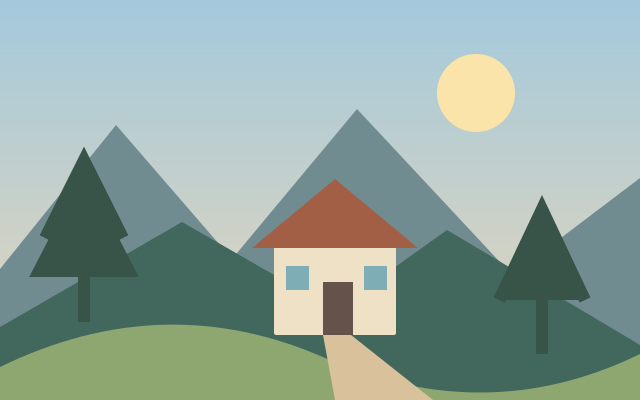
Rain Drops on Glass Effect
Rain on glass styling overlays droplets and localized distortions.
Available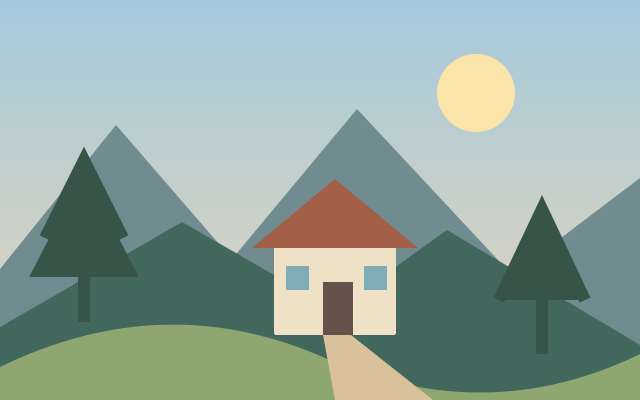
Soft Focus Effect
Soft focus reduces fine contrast while retaining broad image structure.
Available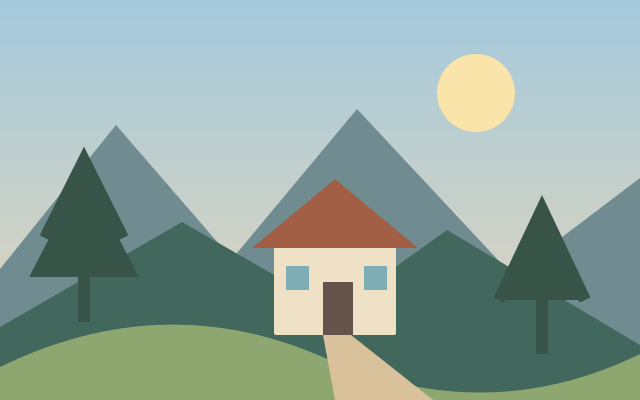
Film Photo Effect
Film photo styling adjusts tone, color and texture to suggest a photographic print.
Available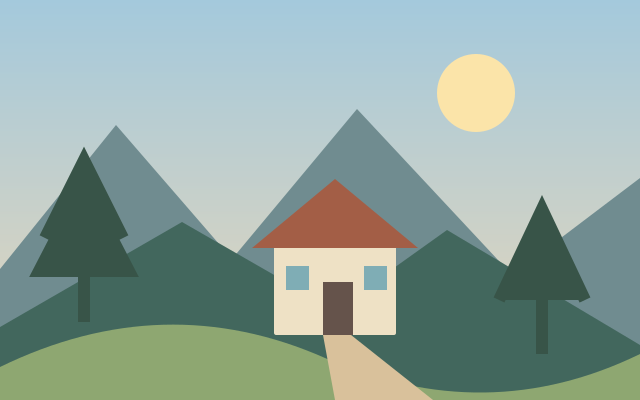
Hope Poster Effect
Graphic poster styling reduces a portrait to bold flat tones and a limited palette.
Available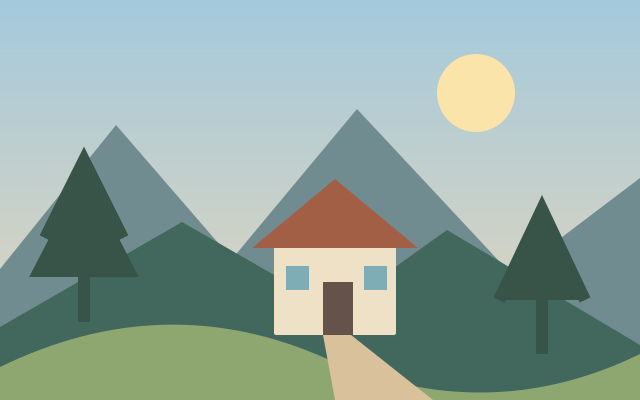
Plastic Wrap Effect
Plastic wrap styling creates glossy highlights and folded looking surface relief.
Available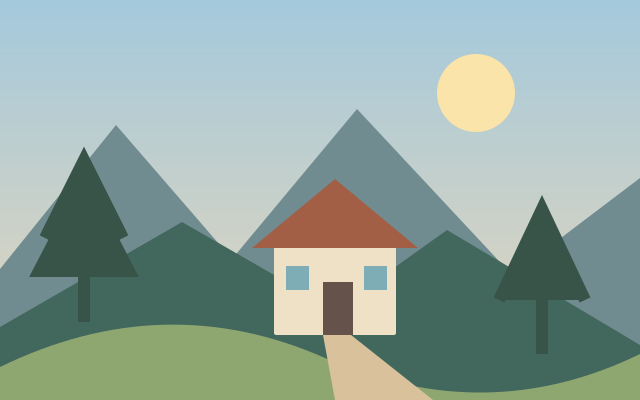
Woven Photo Effect
Woven styling arranges image detail into interlacing bands.
Available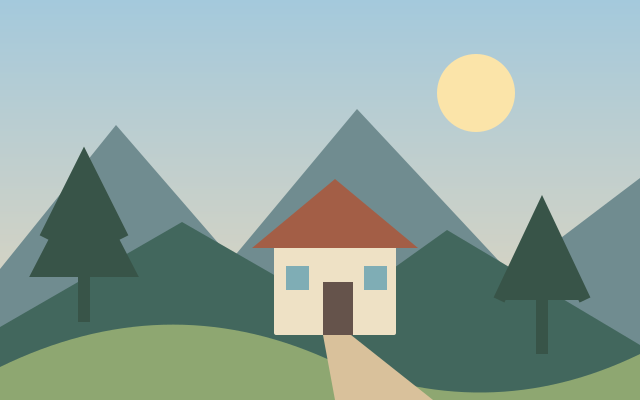
Oil Brush Strokes Effect
Oil brush stroke styling emphasizes directional painted marks.
Available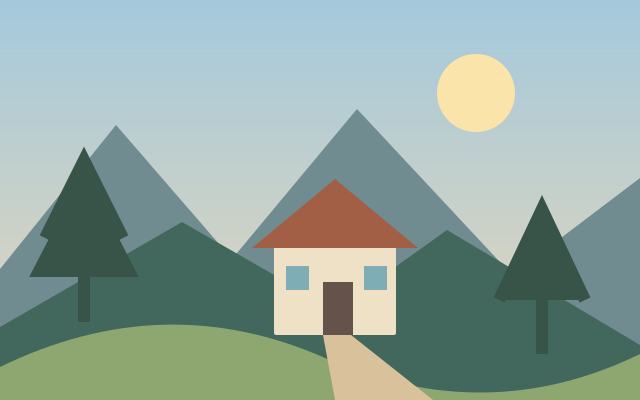
Pointillism Effect
Pointillism represents image tone with many small separated dots.
Available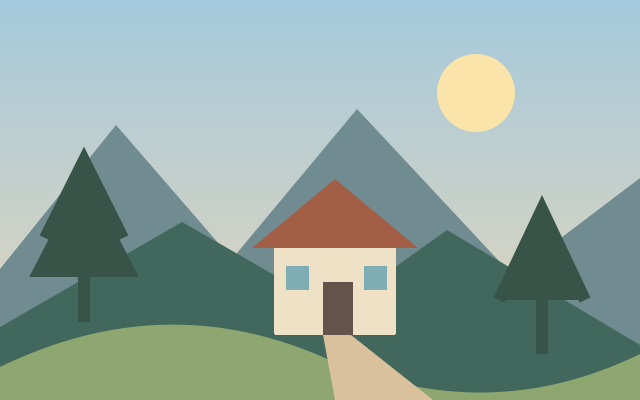
Dot and Stroke Abstraction
Dot and stroke abstraction replaces continuous detail with mixed graphic marks.
Available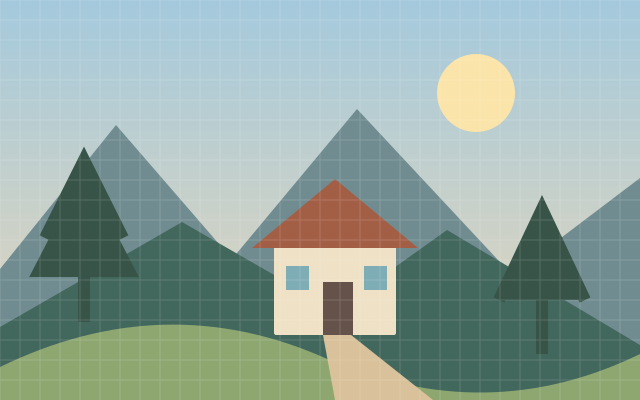
Circle Mosaic Effect
Circle mosaic replaces image regions with circular color samples.
Available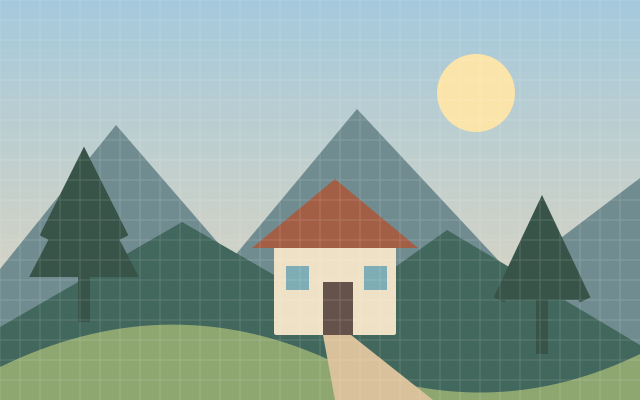
Triangle Mosaic Effect
Triangle mosaic rebuilds an image as repeated triangular color cells.
Available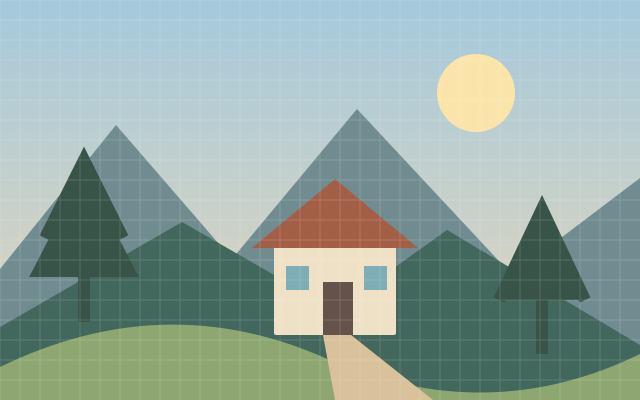
Hexagon Pixelate Effect
Hexagonal pixelation groups image regions into hexagon shaped cells.
AvailableTriangular Pixelate Effect
Triangular pixelation reduces detail using a regular triangular grid.
Shares the triangle mosaic effect workflow.
Available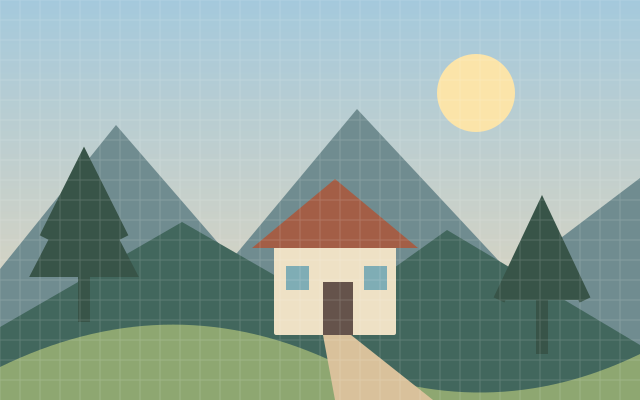
Domino Mosaic Effect
Domino mosaic translates tone into small domino inspired rectangular marks.
Available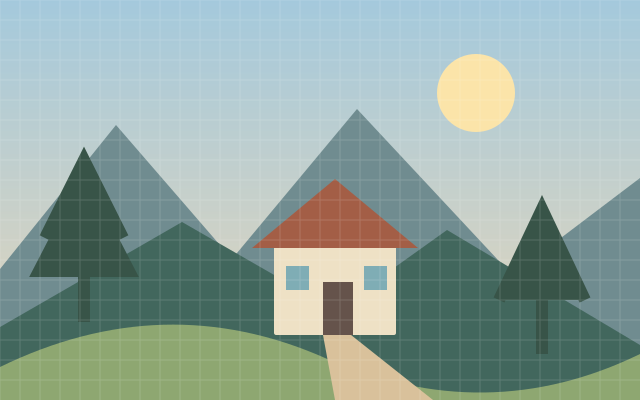
Mineral Mosaic Effect
Mineral mosaic suggests a surface made of irregular stone or crystal pieces.
Available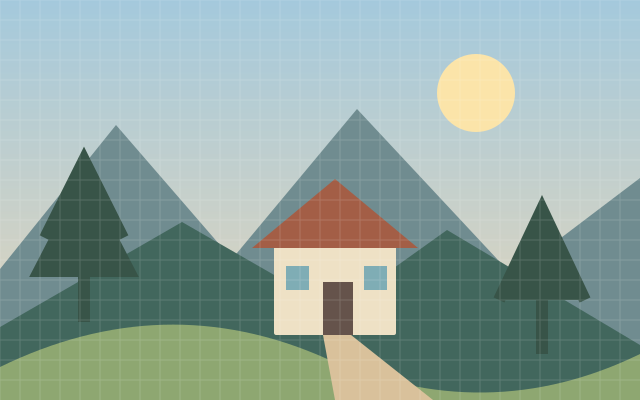
Falling Block Mosaic Effect
Falling block styling rebuilds an image from interlocking rectilinear pieces.
Available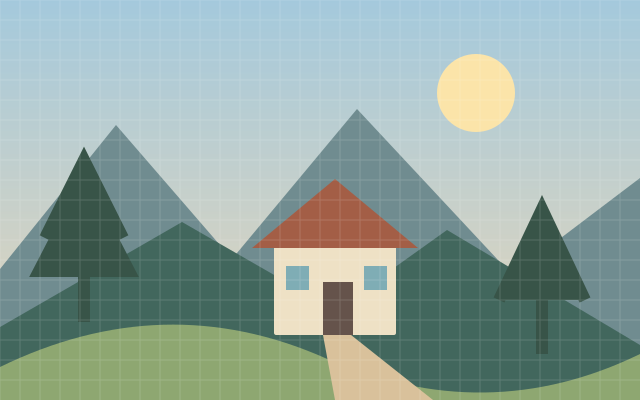
Puzzle Effect
Puzzle styling overlays or reconstructs a jigsaw piece pattern.
Available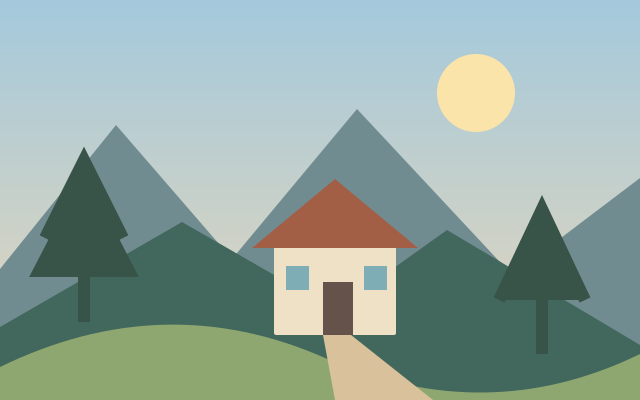
Topographic Map Effect
Topographic styling turns tonal changes into contour map inspired lines.
Available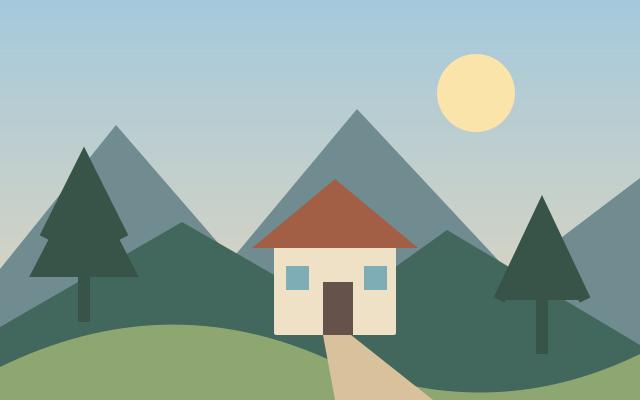
Plasma Effect
Plasma styling adds flowing luminous color fields.
Available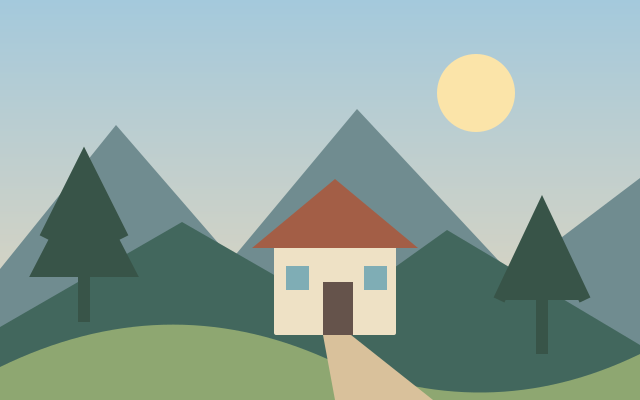
Fire Effect
Fire styling introduces flame shaped color and light around a scene.
Available
Cosmic Light Effect
Cosmic light styling adds colored glows and space inspired highlights.
Available
Light Spots Effect
Light spot overlays place soft highlights across an image.
Available
Cracked Photo Effect
Cracked photo styling overlays fractured surface lines.
Available
Fractal Photo Effect
Fractal styling introduces self repeating mathematical looking patterns.
Available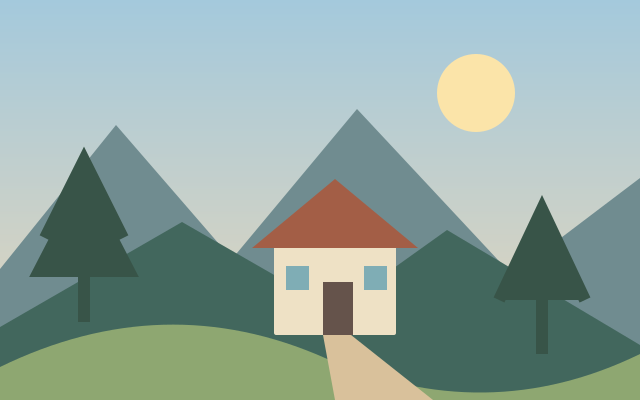
Spherical Panorama Effect
Spherical panorama styling bends a wide view into a globe like composition.
Available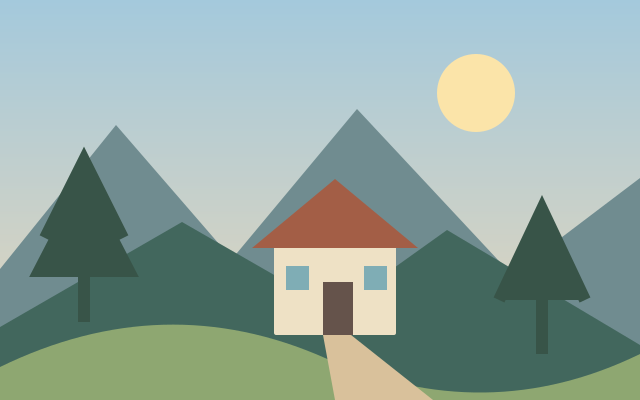
3D Image Rotation Effect
Three dimensional rotation styling tilts an image plane in perspective.
Available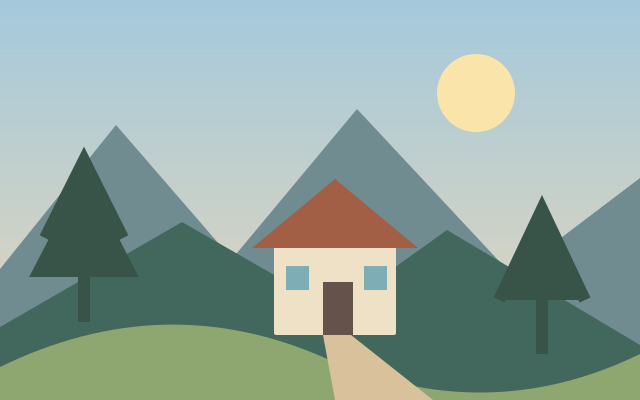
Stereoscopic 3D Photo Maker
Stereoscopic photo preparation arranges offset views intended to suggest depth.
Available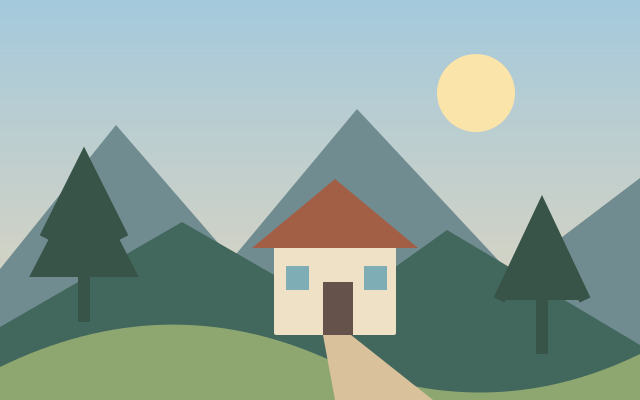
3D to 2D Photo Converter
Stereo to flat conversion selects or combines views from a stereoscopic image.
Available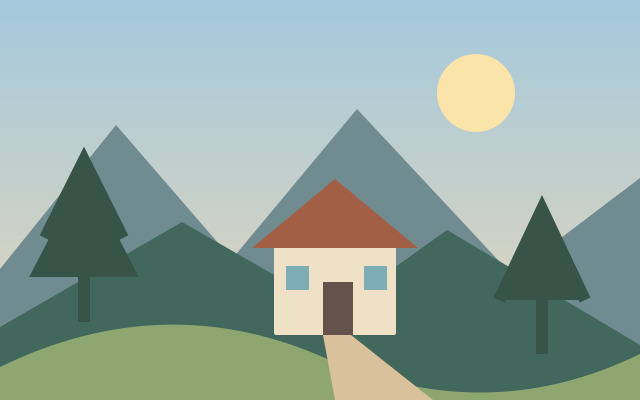
Mirror Reflection Collage
Mirror reflection collage combines a picture with reflected copies.
Available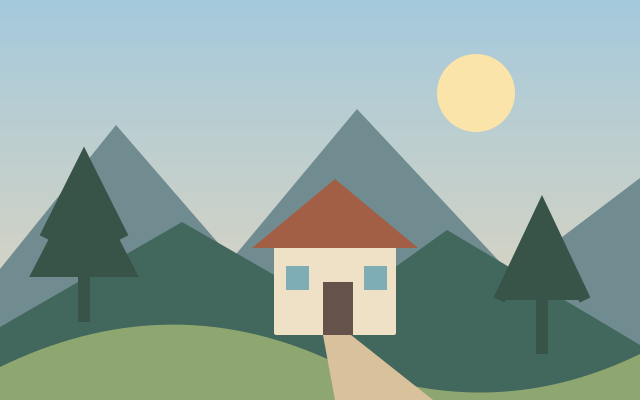
Falling Snow Effect
Falling snow styling adds layered light particles to a scene.
Available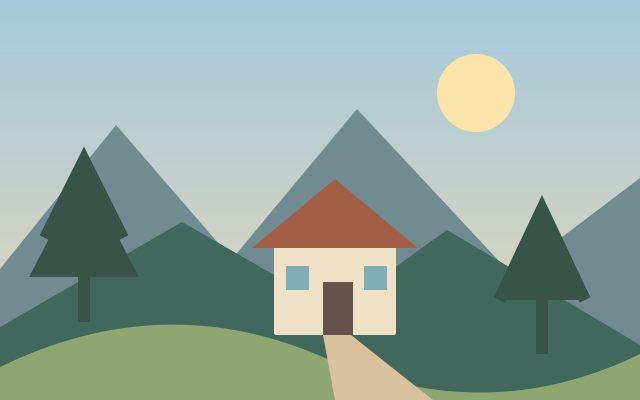
Image Scrambler
Image scrambling rearranges regions to produce an intentionally disrupted composition.
Available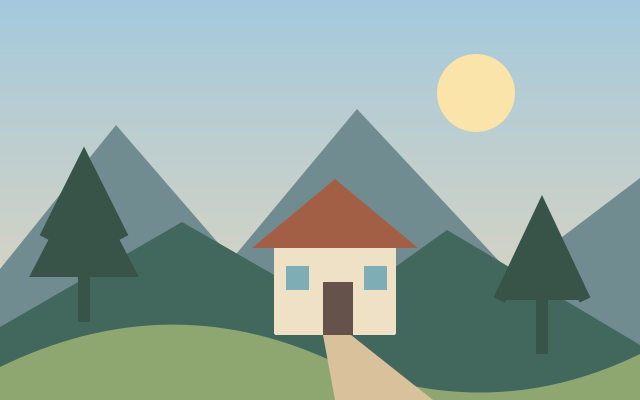
Watercolor Effect
Watercolor styling combines translucent looking washes with softened pigment boundaries.
Available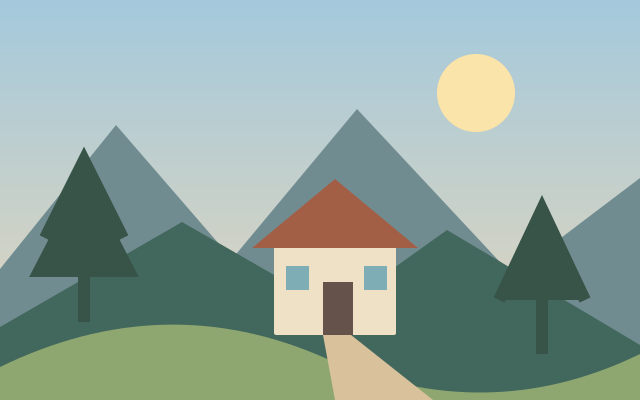
Dry Brush Effect
Dry brush styling uses broken textured strokes that leave parts of the surface uncovered.
Available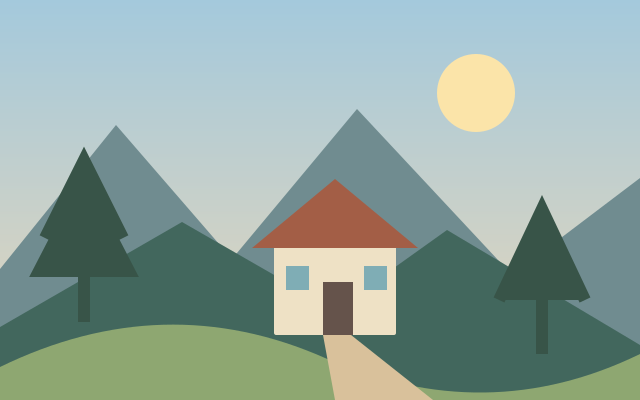
Fresco Effect
Fresco styling suggests pigment absorbed into a textured plaster surface.
Available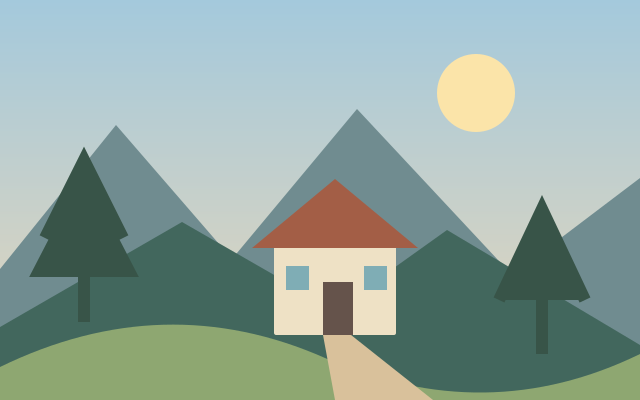
Paint Daubs Effect
Paint daub styling groups image detail into broader paint shaped marks.
Available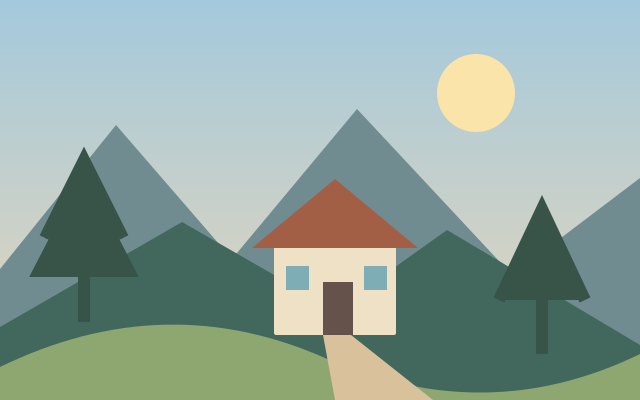
Palette Knife Effect
Palette knife styling creates broad angular strokes with a scraped paint appearance.
Available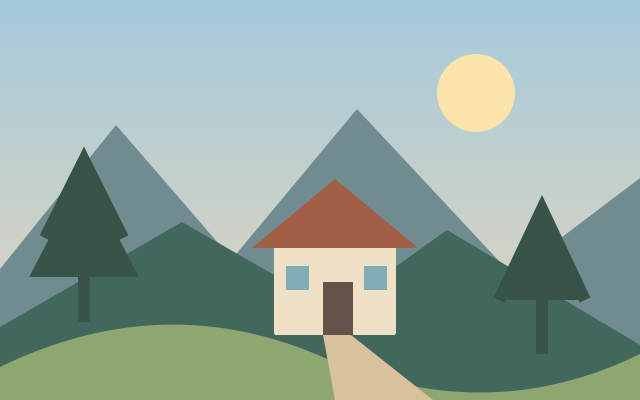
Rough Pastels Effect
Rough pastel styling combines granular surface texture with soft color blocks.
Available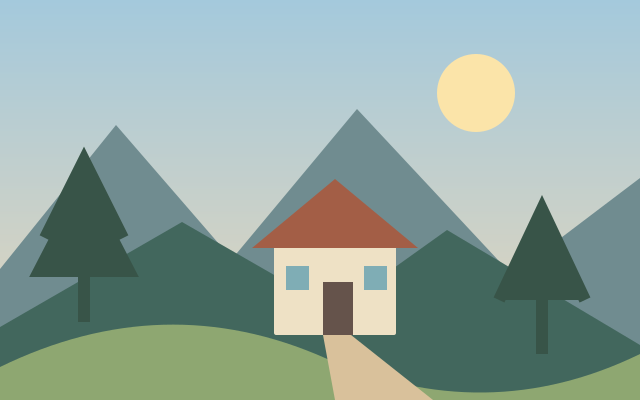
Sponge Effect
Sponge styling creates irregular dappled color patches.
Available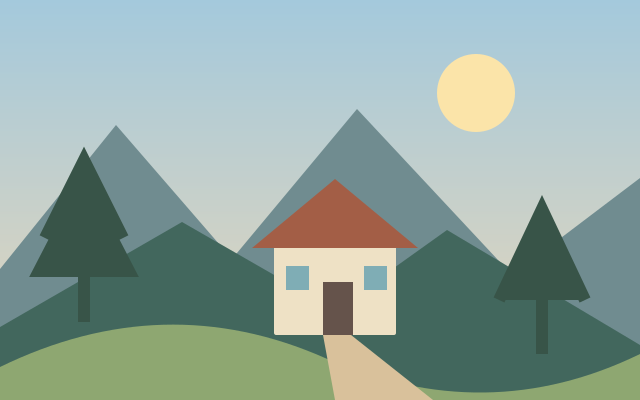
Underpainting Effect
Underpainting styling simplifies an image into a broad tonal and color foundation.
Available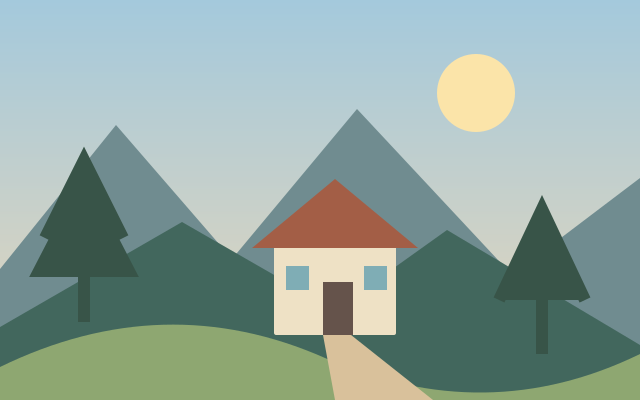
Neon Glow Effect
Neon glow outlines selected detail with saturated luminous color.
Available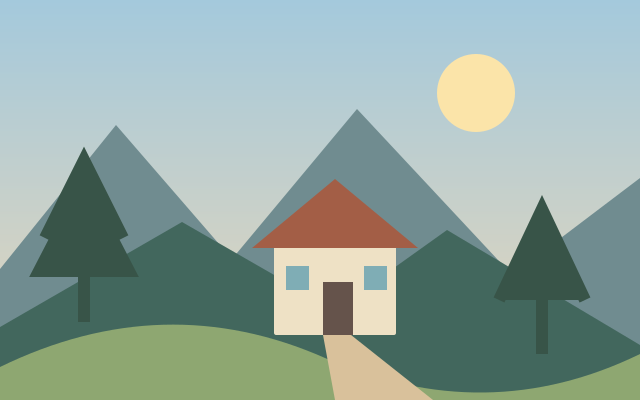
Poster Edges Effect
Poster edge styling combines simplified tonal regions with stronger dark contours.
Available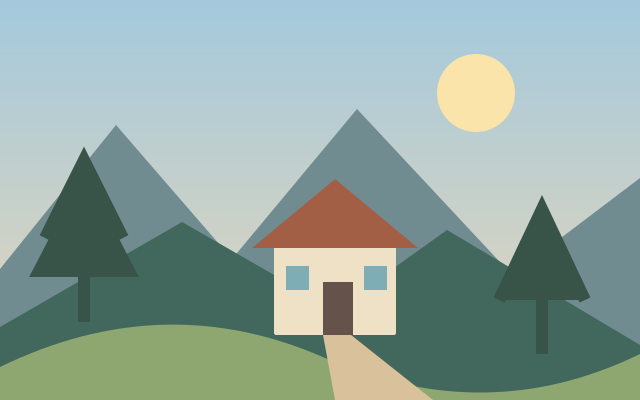
Smudge Stick Effect
Smudge stick styling stretches and softens detail into rubbed looking marks.
Available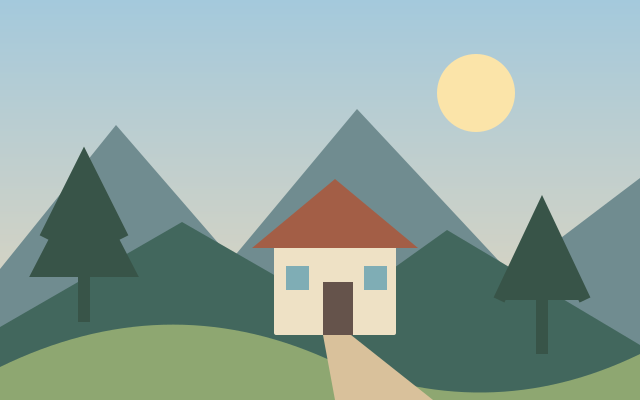
Crosshatch Effect
Crosshatching represents tone using intersecting line sets.
Available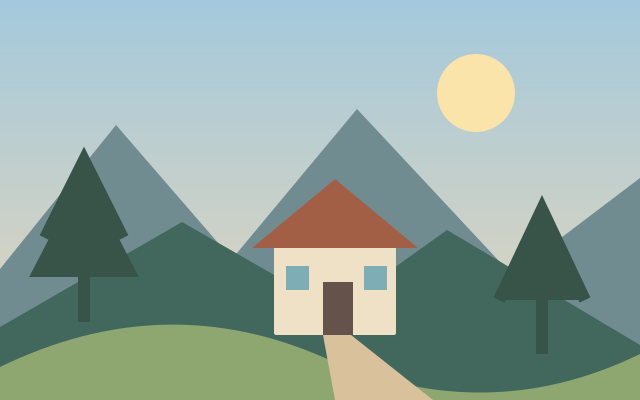
Accented Edges Effect
Accented edges styling emphasizes boundaries while smoothing broader surfaces.
Available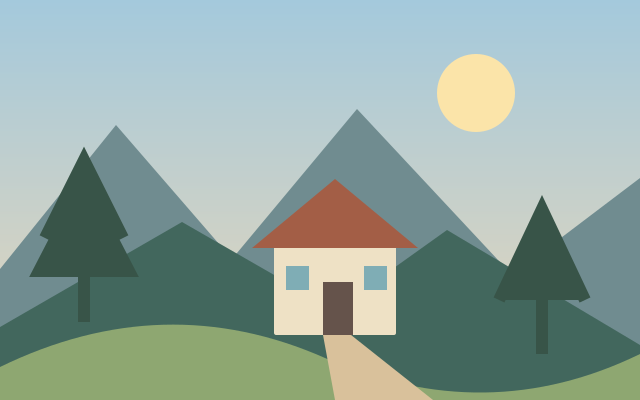
Sprayed Strokes Effect
Sprayed stroke styling breaks detail into small directional paint marks.
Available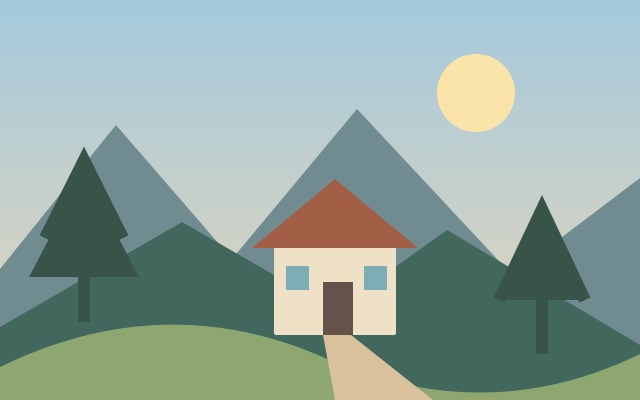
Bas Relief Effect
Bas relief styling converts tonal structure into shallow sculpted depth.
Available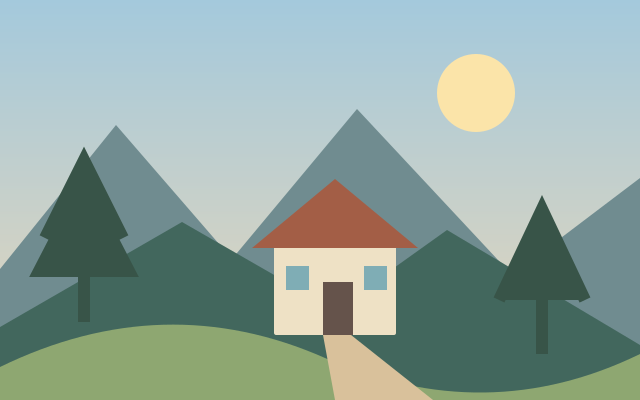
Chrome Effect
Chrome styling suggests a highly reflective metallic surface through tonal remapping.
Available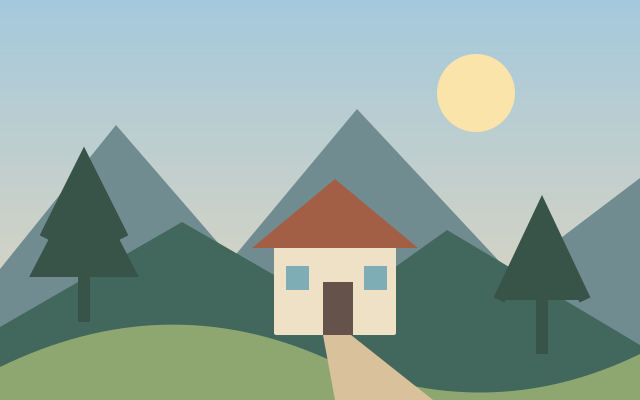
Conte Crayon Effect
Conté crayon styling combines dark drawing marks with textured paper tones.
Available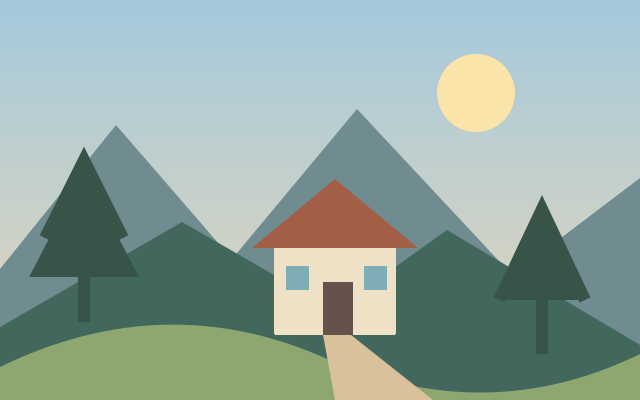
Graphic Pen Effect
Graphic pen styling represents an image with high contrast directional ink strokes.
Available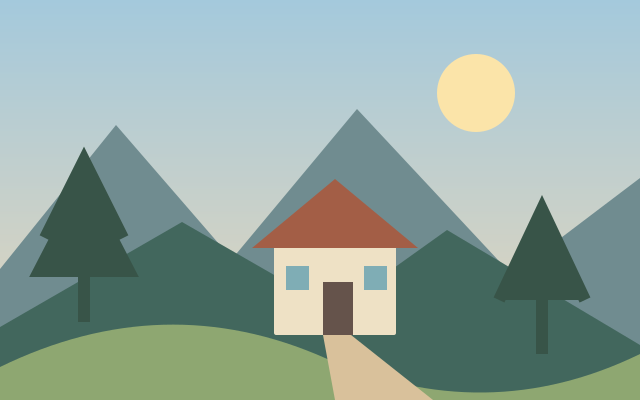
Note Paper Effect
Note paper styling gives an image the look of textured raised marks on paper.
Available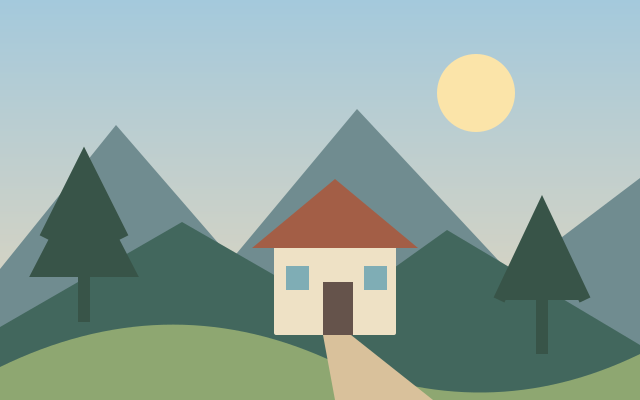
Photocopy Effect
Photocopy styling compresses tone into rough high contrast marks.
Available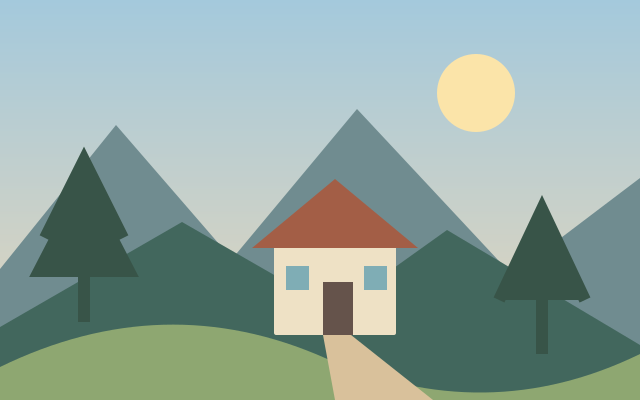
Plaster Effect
Plaster styling suggests molded surface relief from the source image.
Available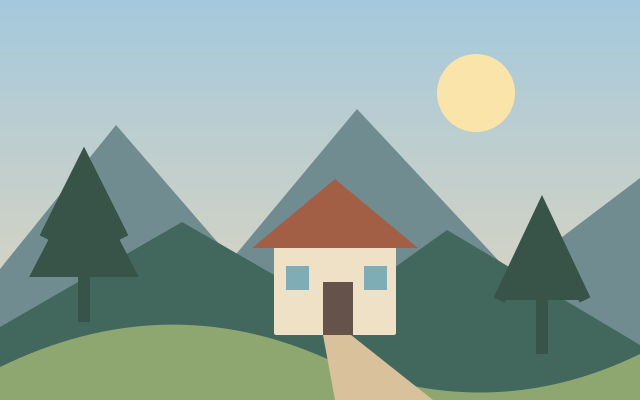
Reticulation Effect
Reticulation styling adds irregular grain clusters associated with damaged photographic surfaces.
Available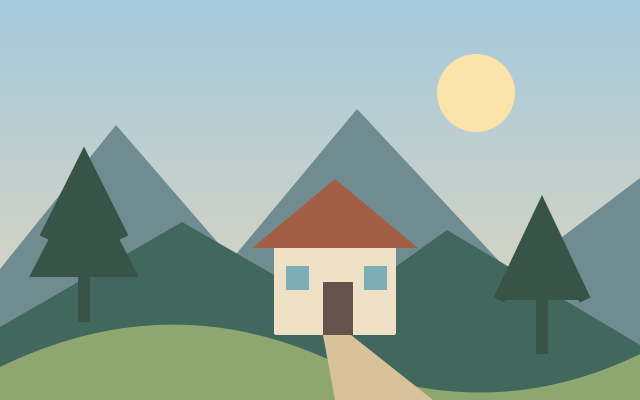
Torn Edges Effect
Torn edge styling makes an image boundary look irregular and ripped.
Available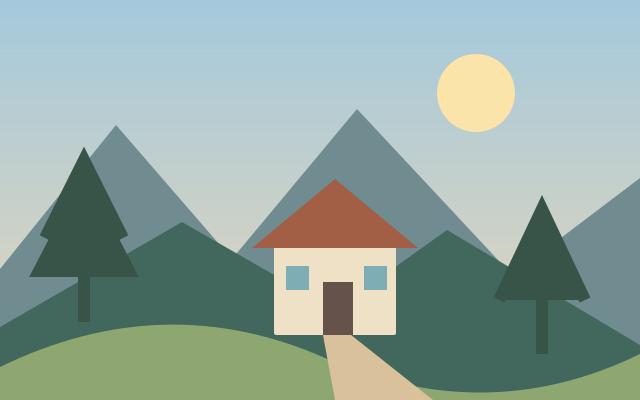
Water Paper Effect
Water paper styling diffuses detail into a wet textured surface.
Available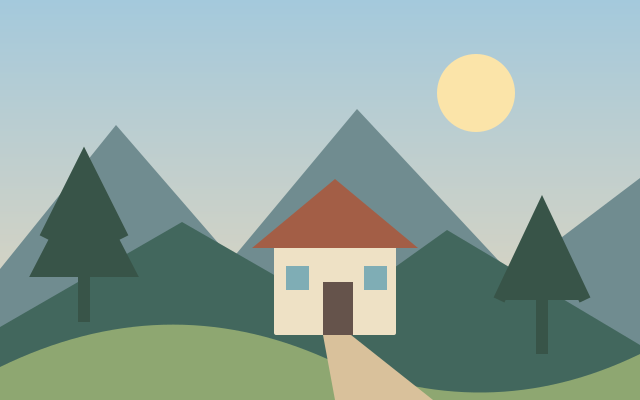
Cutout Effect
Cutout styling reduces a picture to layered flat shapes.
Available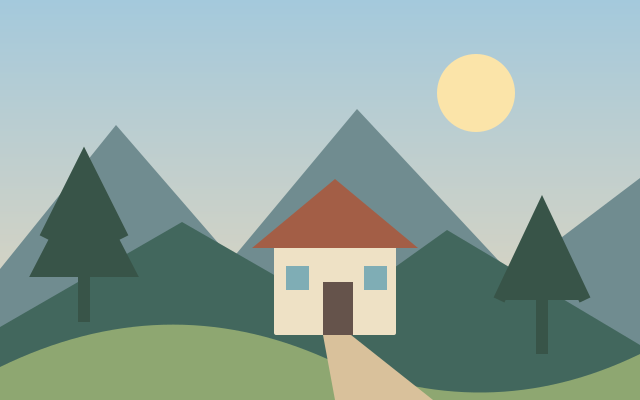
Diffuse Glow Effect
Diffuse glow spreads soft light through brighter image regions.
Available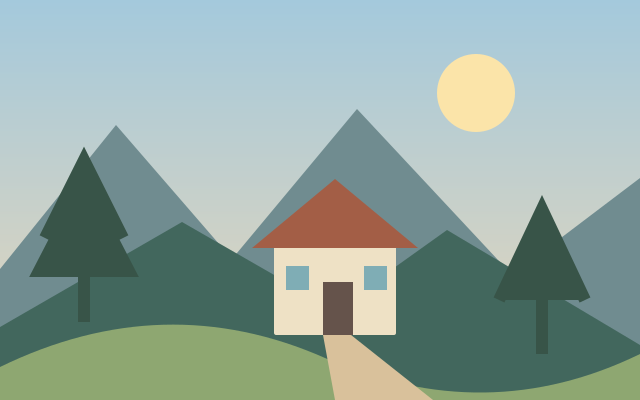
Glass Distortion Effect
Glass distortion bends image detail as if viewed through uneven glass.
Available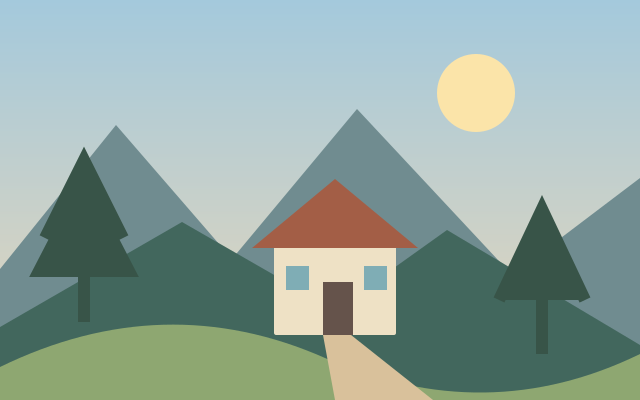
Ocean Ripple Effect
Ocean ripple styling displaces pixels with irregular water like wave patterns.
Available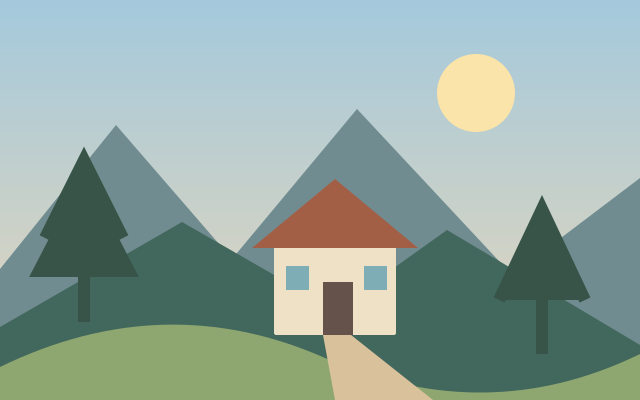
Polar Coordinates Effect
Polar coordinate mapping wraps rectangular image coordinates into a circular arrangement.
Available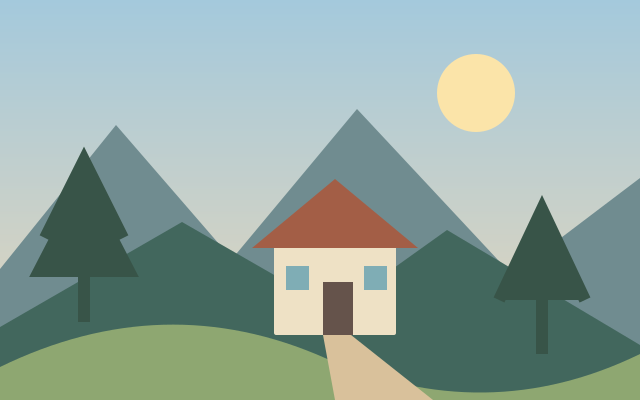
Displacement Map Effect
Displacement mapping offsets a picture according to a separate tonal map.
Available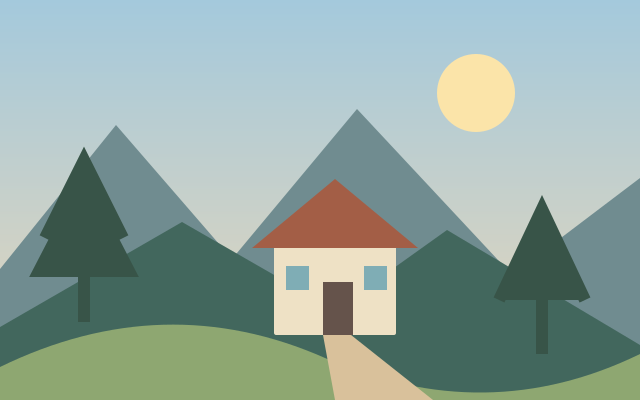
Spherize Effect
Spherizing bends a region as if projected onto a rounded surface.
Available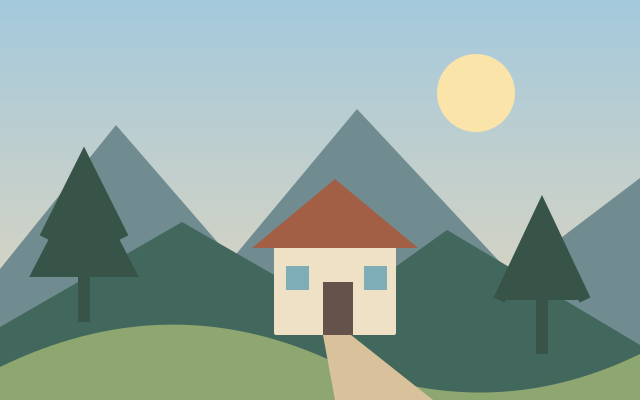
ZigZag Distortion Effect
Zigzag distortion produces alternating ripples or directional offsets.
Available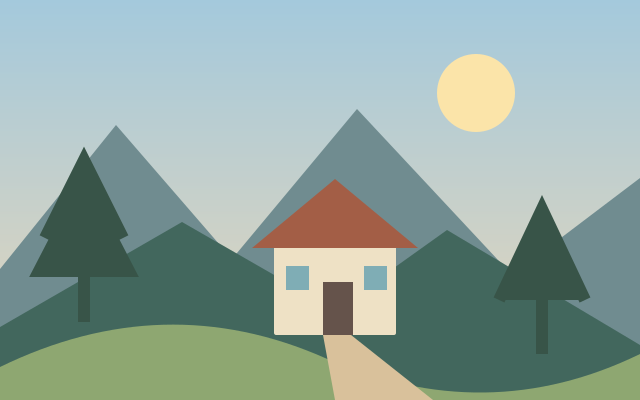
Shear Distortion Effect
Shear distortion shifts rows or columns along a controlled curve.
Available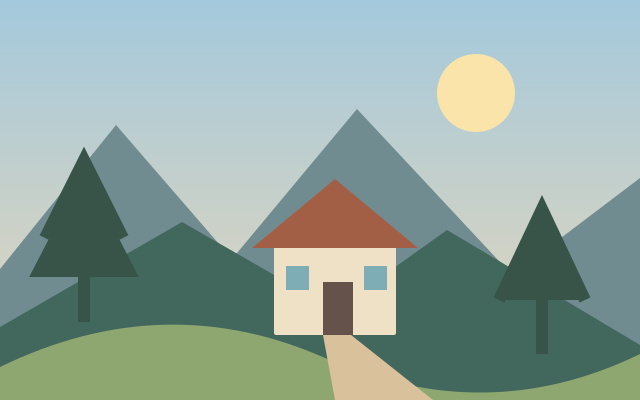
Extrude Effect
Extrusion styling projects image regions into repeated depth like blocks.
Available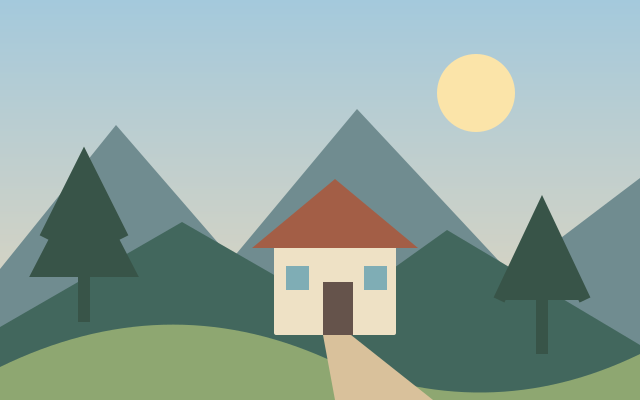
Trace Contour Effect
Contour tracing isolates boundaries at selected tonal levels.
Available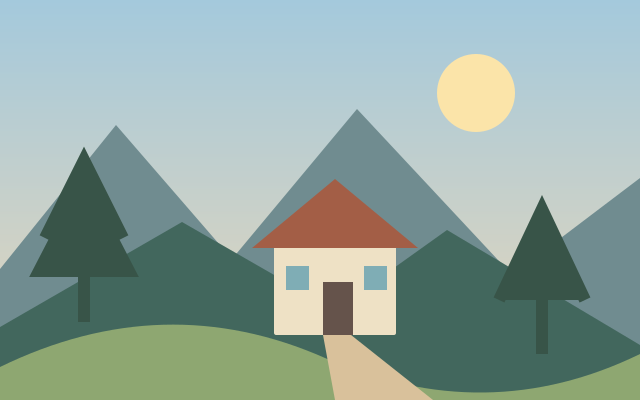
Wind Effect
Wind styling stretches bright or dark edges into directional streaks.
Available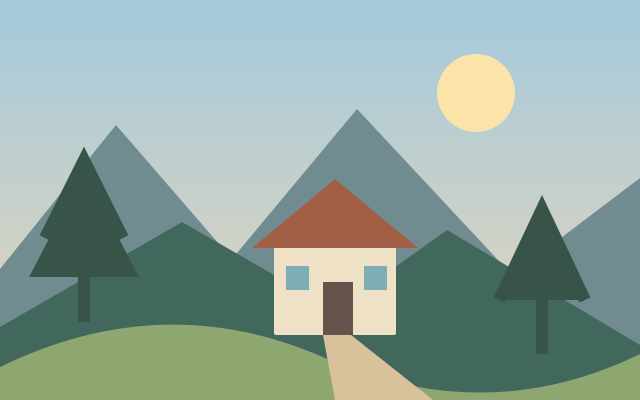
Craquelure Effect
Craquelure styling adds a network of fine paint surface cracks.
Available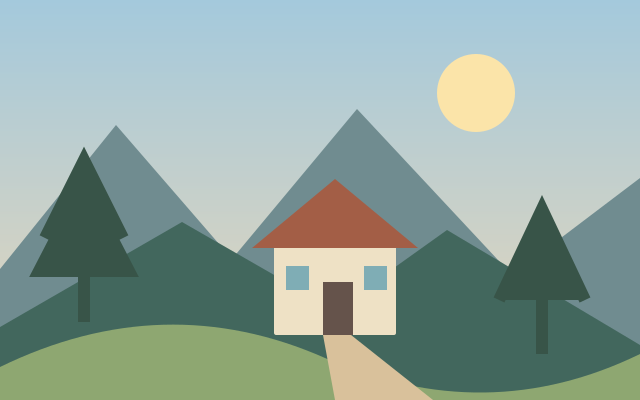
Texturizer Effect
Texturizing overlays a surface pattern while preserving the image's broader colors.
Available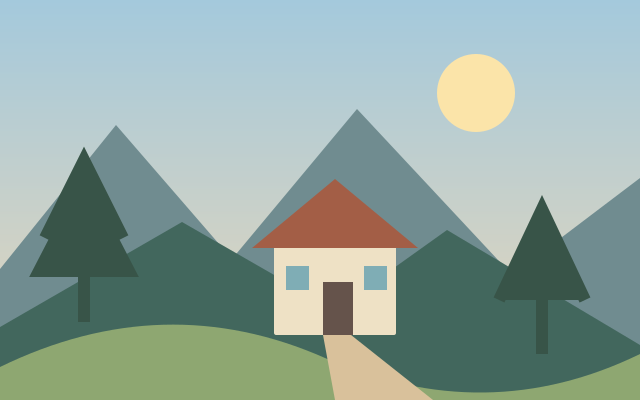
Color Halftone Effect
Color halftoning separates tonal information into colored dot patterns.
Available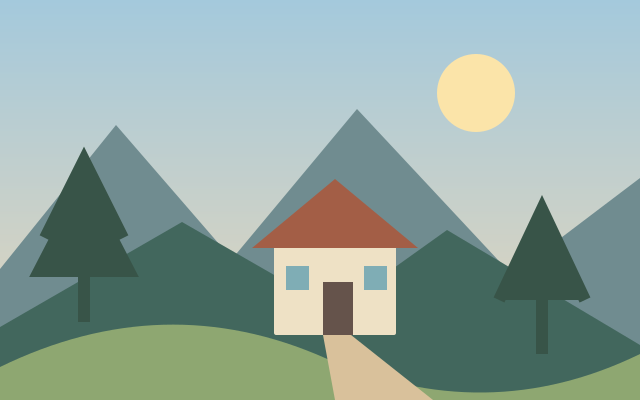
Focal Depth Blur
Focal depth blur separates a sharp subject from progressively softened distance planes.
Shares the selective focus effect workflow.
Available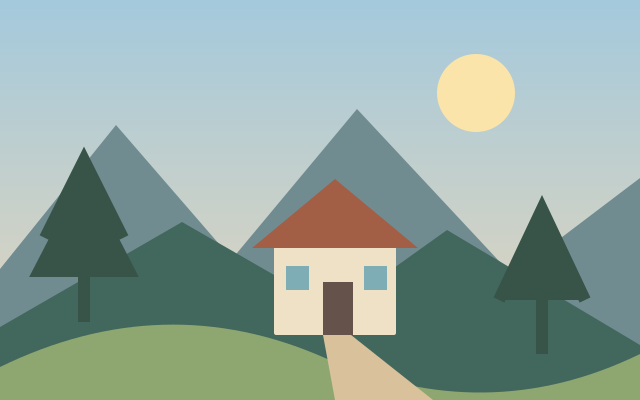
Landscape Season Mixer
Season mixing changes selected landscape colors and seasonal cues.
Available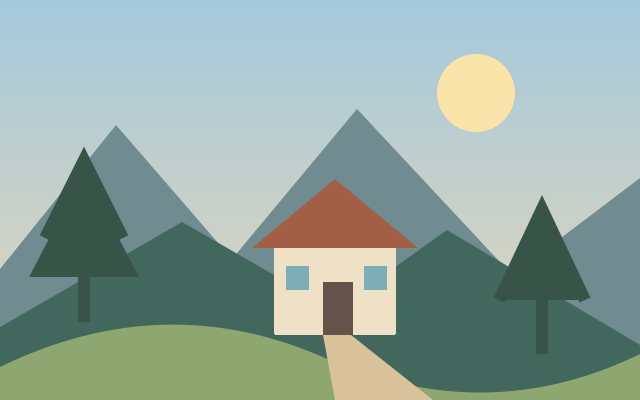
Gradient Map Effect
Gradient mapping assigns colors to positions along the source image's tonal range.
Available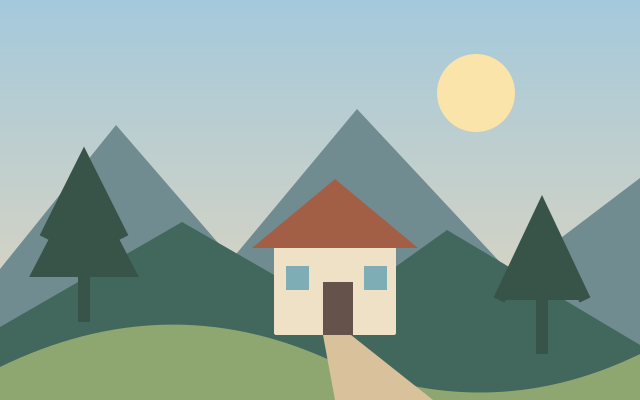
Color Lookup Filter
Color lookup styling remaps colors through a predefined transformation table.
Available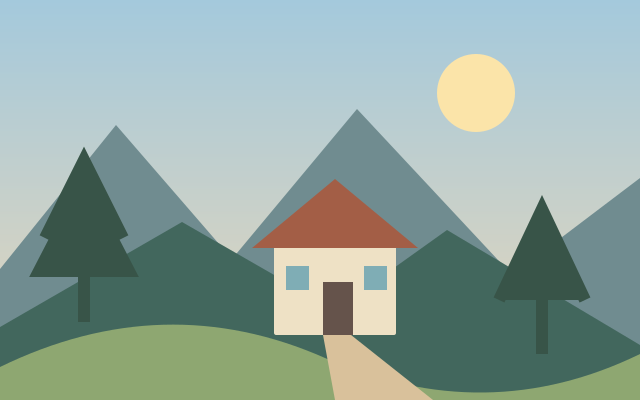
HDR Toning Effect
HDR toning compresses or expands local contrast to suggest a broader tonal range.
AvailableSelective Focus Effect
Selective focus retains detail in a chosen region and softens surrounding areas.
AvailableColor Splash Effect
Color splash retains selected original colors while desaturating the rest.
Shares the selective colorization workflow.
Available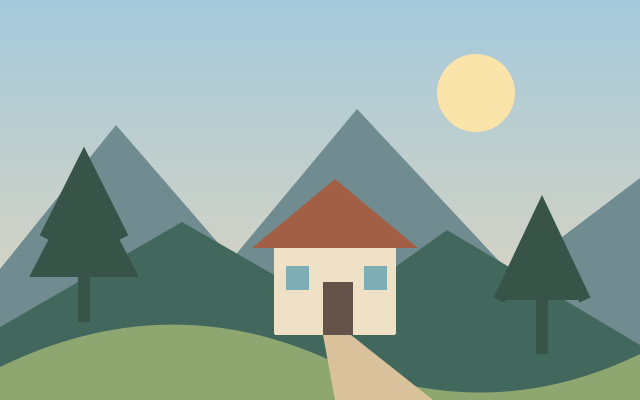
Film Light Leaks
Film light leaks add colored exposure like streaks near image edges.
Available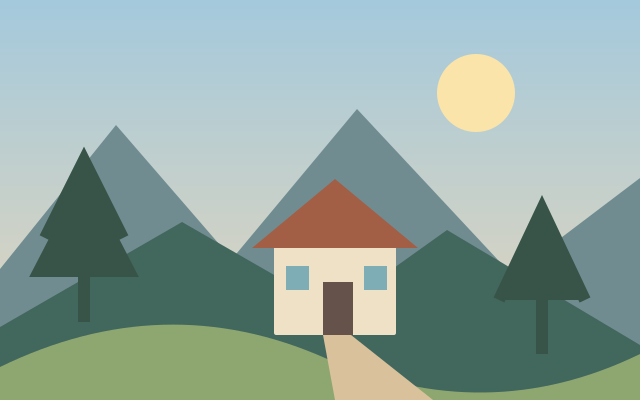
Prism Photo Effect
Prism styling creates refracted looking color splits or repeated highlights.
Available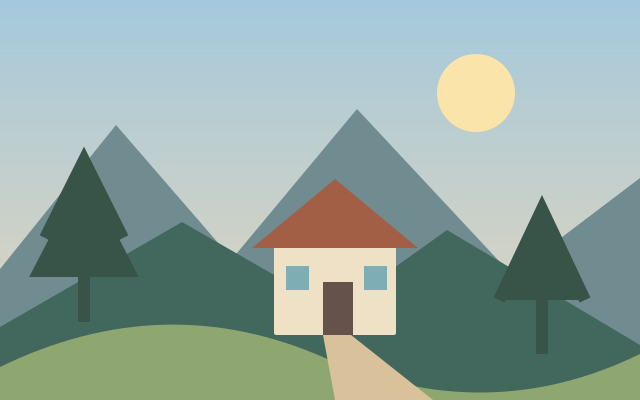
Double Exposure Effect
Double exposure combines two images through tonal or transparency blending.
Available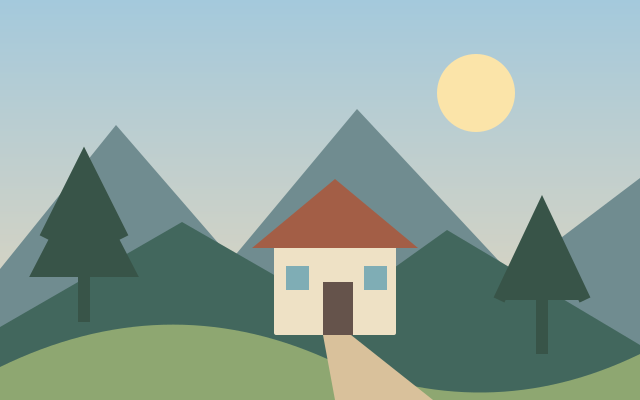
Claymify Photo Effect
Clay styling reinterprets surfaces as soft sculpted material.
Available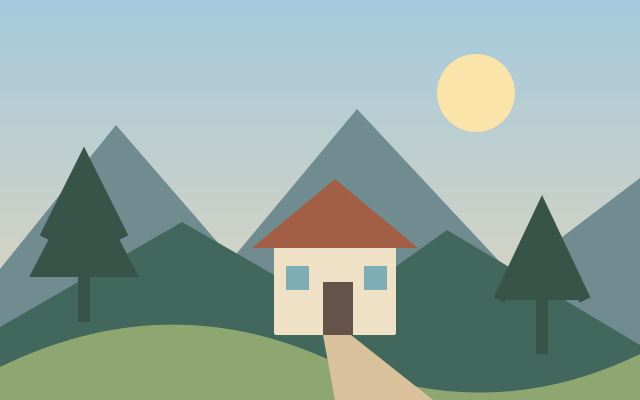
Deep Fry Photo Effect
Deep fry styling exaggerates saturation, contrast and compression artifacts.
Available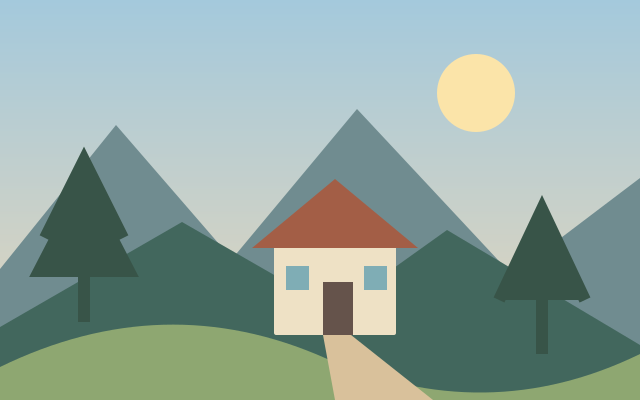
Motion Blur Effect
Motion blur stretches detail along a chosen movement direction.
Available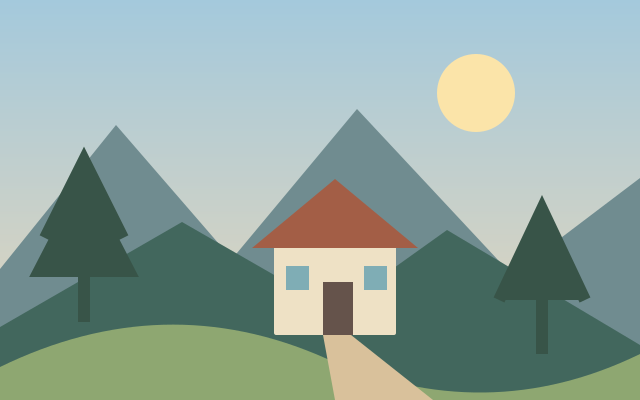
Photo Filter Presets
Filter presets group a repeatable set of tonal and color adjustments.
Available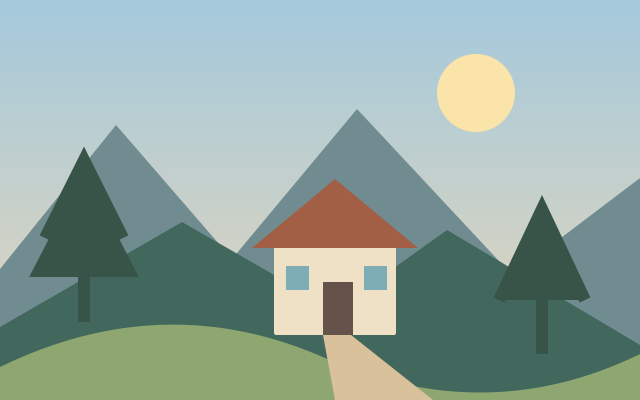
Cross Processing Photo Effect
Cross processing styling shifts color relationships between shadows and highlights.
Available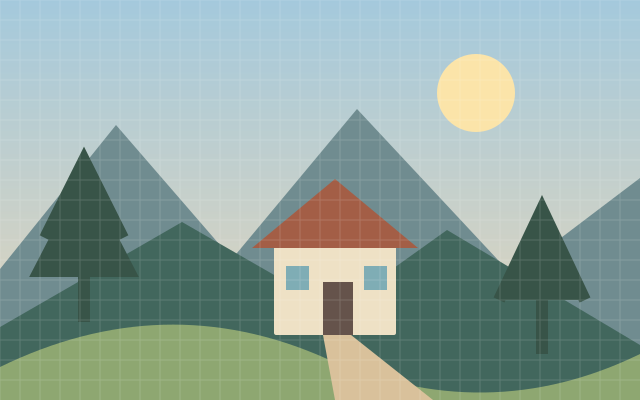
Emoji Photo Mosaic
Emoji mosaic approximates the source image with many small pictorial tiles.
Available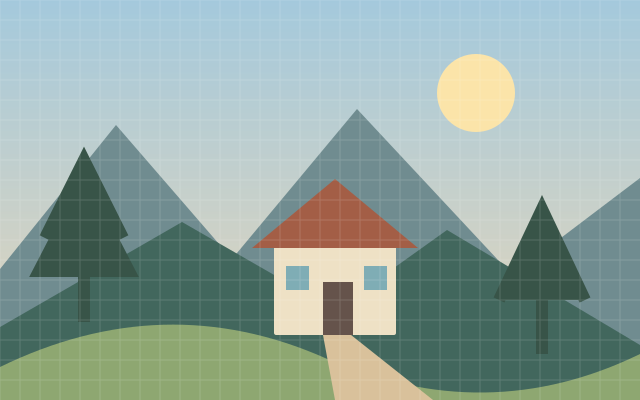
Block Game Photo Pixel Art
Block game pixel art translates a picture into a restricted palette of square building blocks.
Available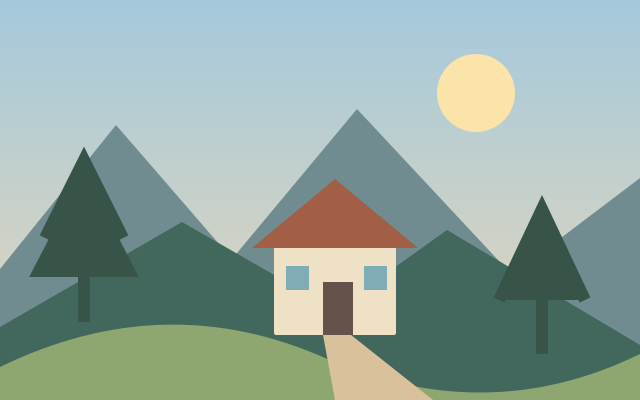
Farm Game Portrait Effect
Farm game portrait styling turns a face into a small illustrated pixel character.
Available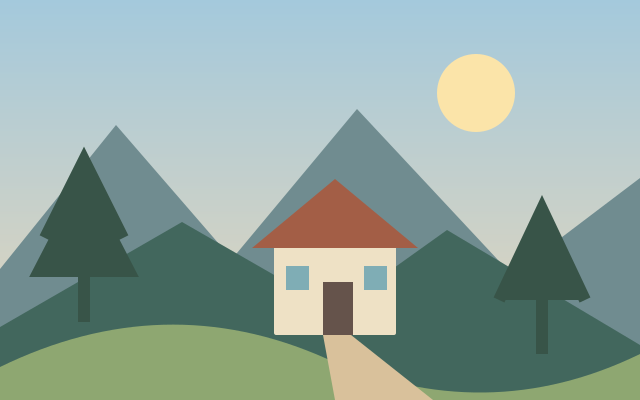
Face in Hole Photo Effect
Face in hole composition places a portrait inside a prepared scene opening.
AvailablePlan a photo effects and filters workflow
The effect studies are deterministic illustrations, not outputs of unfinished processors. Planned effects have no active editing controls. Texture and distortion can permanently obscure detail in a flattened export.
Decisions before you begin
- Treatment strength
- Texture or pattern scale
- Blend and focal region
Prepare the task
- Choose a source with a clear subject and useful tonal separation.
- Compare the treatment with the original at the same size.
- Inspect the focal subject, fine detail and output scale before committing to the style.