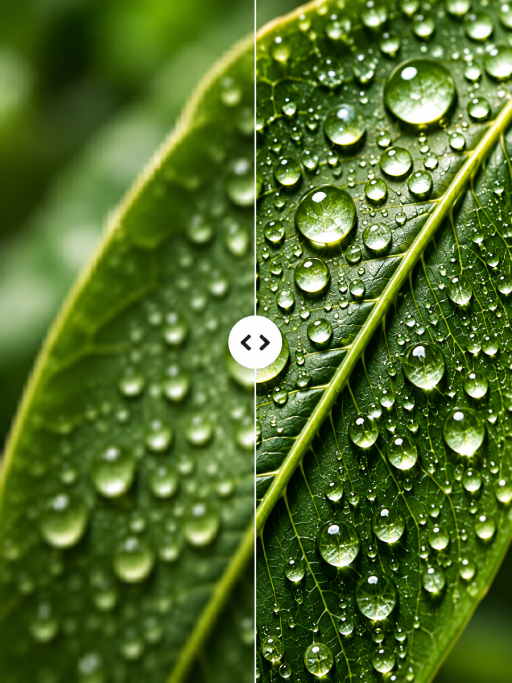
Put the subject first
Remove busy surroundings so the eye lands on the person or object you want to show.
A cleaner cut, in less time
Make the subject the whole story. Remove distracting backgrounds and give people, products, and ideas room to shine.
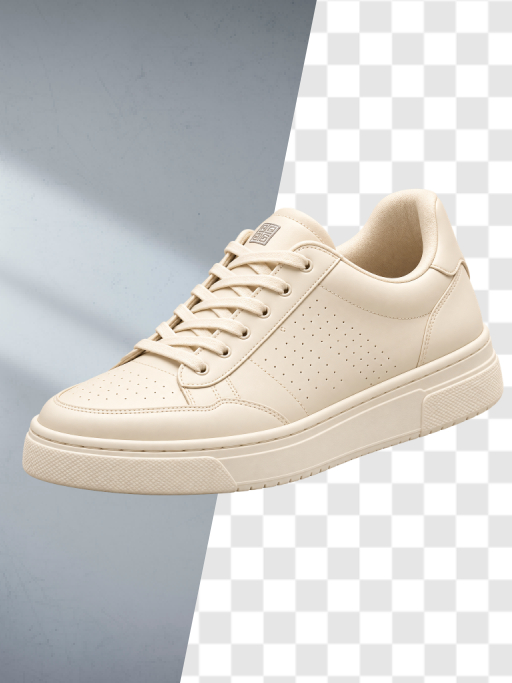
The idea
A clean cutout makes an image easier to use almost anywhere. Place a product on a new canvas, give a portrait a simpler setting, or build a visual that feels focused from the first glance.
What you can do
Remove busy surroundings so the eye lands on the person or object you want to show.
Use a cutout in a presentation, social post, product listing, or another design.
Once the background is gone, try a fresh color, scene, or composition.
How it works
Start with an image where your subject is visible.
Check edges, hair, and small details so the result feels natural.
Save the image or continue editing on a new background.
Made for your ideas
Good to know
Keep exploring