Set the tone
Choose a setting that matches the feeling of your project.
A new scene for your subject
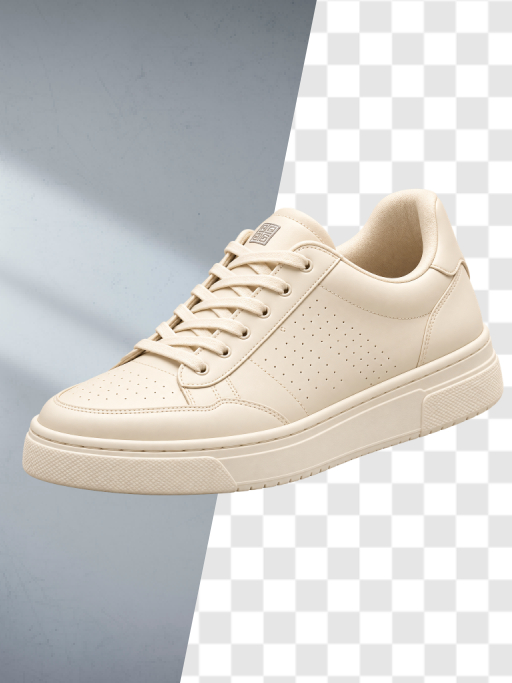
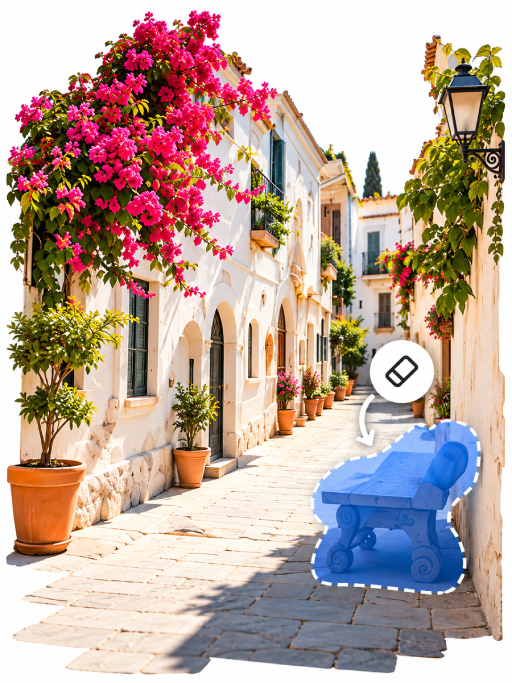
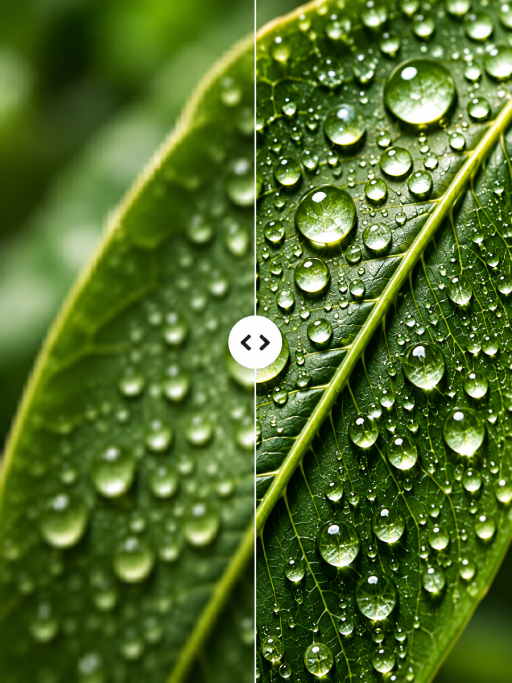
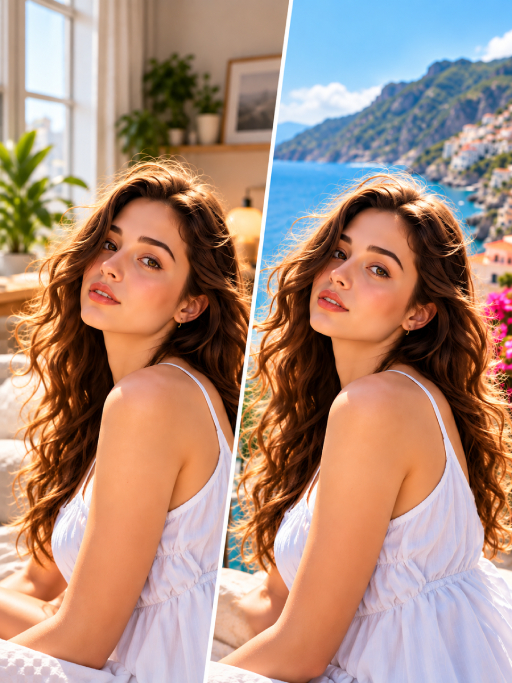
Set the mood with a background that fits your story, from a simple studio color to an entirely different scene.
The idea
The right background can make a product feel more premium or a portrait feel more personal. Build a scene that supports the subject without stealing the spotlight.
What you can do
Choose a setting that matches the feeling of your project.
Bring several images into one visual world.
Try different colors and scenes before committing to a final look.
How it works
Start with a photo of a person or object.
Select a color, image, or scene that supports the subject.
Review lighting, edges, and scale for a cohesive image.
Made for your ideas
Good to know
Keep exploring