Explore concepts
Create visual directions before a shoot or design session.
Imagine it. Then make it.
Turn an idea into a visual starting point for a campaign, a story, a mood board, or something entirely your own.

The idea
Describe a subject, a setting, and a feeling. An image prompt gives your idea direction; small changes in wording can open up a whole new visual world.
What you can do
Create visual directions before a shoot or design session.
Experiment with lighting, palette, and composition.
Use each result as a starting point for the next idea.
How it works
Write the subject, setting, style, and mood in plain language.
Specify details such as lighting, angle, and color.
Adjust one detail at a time to move closer to your vision.
Made for your ideas
Good to know
Keep exploring
Describe a scene in words to plan an original image, including its subject, lighting and composition.
Specify the camera view and background before adding small decorative details.
New AI tools require a real model integration before use. Existing studio integrations require sign in and a configured provider. Reference images may be sent to an external processing service; review the privacy policy before submitting sensitive material.
Use the existing workspace on this page or follow its link to the current Photolisa workflow. This guide does not add new processing capabilities.
Specify the camera view and background before adding small decorative details.
The current workspace determines the available inputs and settings. The guide describes concepts to review and does not expand the formats accepted by the existing tool.
Photo restoration addresses fading, scratches and damaged areas in an old scan.
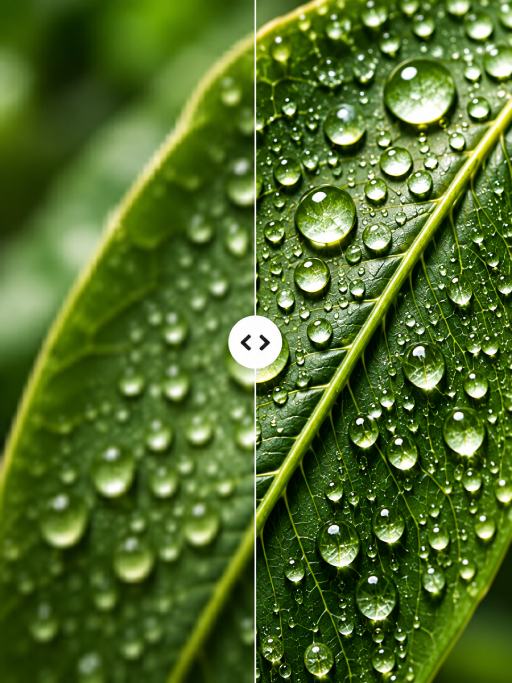
Existing toolAI upscaling estimates extra pixels to produce a larger image from a smaller source.
Existing toolColorization interprets likely colors in a monochrome photograph.
Existing toolReference image variation explores alternative compositions while retaining a starting visual idea.
Existing toolSketch interpretation develops a drawing into a more detailed visual.
Existing toolAutomatic face blurring seeks faces and obscures their identifying detail.
In development